- Categories:
- Web Design
- Animation
- Digital Design
- Graphic Design
- Typography
- Training
- Audio / Video
- Other
 Web Design
 Go To Top
Program(s) Used
- Adobe Dreamweaver
Project Details
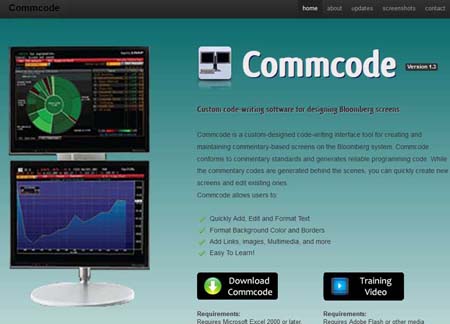
I created this website for my Emerging Technologies class.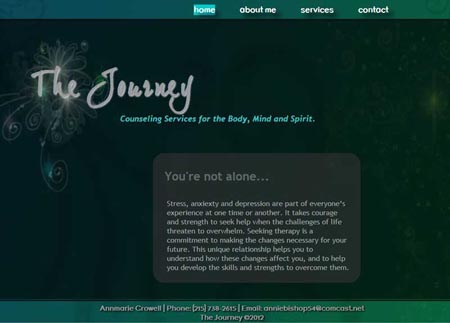
Go To Top
Programming Language(s) Used
- HTML5
Project Details
This is a website I created using HTML5 for my Emerging Technologies class.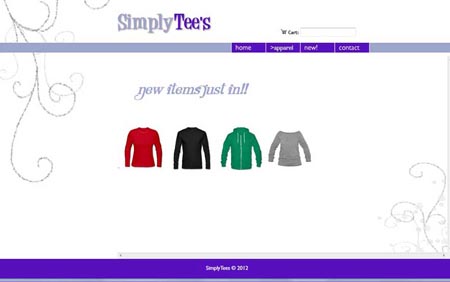
Go To Top
Program(s) Used
- Adobe Dreamweaver
Project Details
I created this website for my Dynamic Web Scripting class.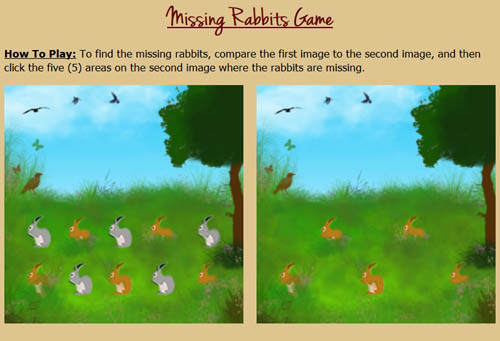
Go To Top
Programming Language(s) Used
- HTML
- JavaScript
Project Details
I created this game for the midterm project in my Dynamic Web Scripting class using HTML and JavaScript. The game itself is very basic, as the project was assigned to us at the start of class and had to be completed by the end of class the same day. Another interesting thing about this project is that the class was not told ahead of time what it would be for, so we had to be ready for anything when we showed up for class that day!Because the class only had a few hours to work on this project, I initially used a very basic image for the background. After the class was over however, I went back to it and had fun adding different elements using various brushes in Photoshop.
Original Background

Go To Top
Program(s) Used
- Adobe Photoshop
Project Details
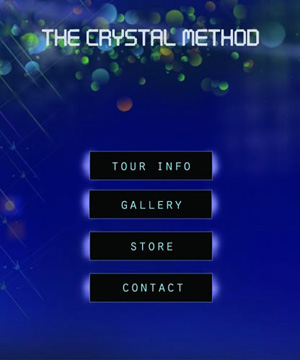
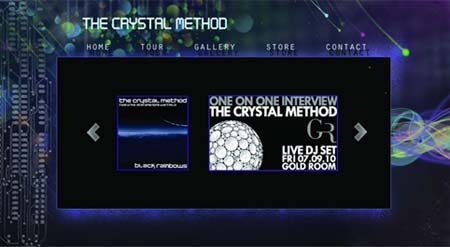
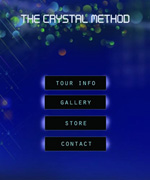
This is a prototype website I designed for a project in my Designing for Interactive Media class to create a music website, along with a matching mobile version, that "looked" the way the music "sounded". This is a term better known as Synesthesia, meaning union of the senses. I did my website on the music band The Crystal Method, which I listened to the entire time while I was creating the background and layout in Photoshop using various brushes or other tools to design a site that looked the way the music sounded.This was a very interesting project because once the project was complete, we had to temporarily hide the name of the singer/band, and then pull up our site in front of the class. The teacher then graded our prototype based on how accurately the class was able to guess what type of music the site would be for once we revealed the name. For my site, the students guessed the the music would be very "techno" and "edgy with a flow", which was exactly what I was going for when I designed it.

Go To Top
Program(s) Used
- Adobe Dreamweaver
- MS Excel
Project Details
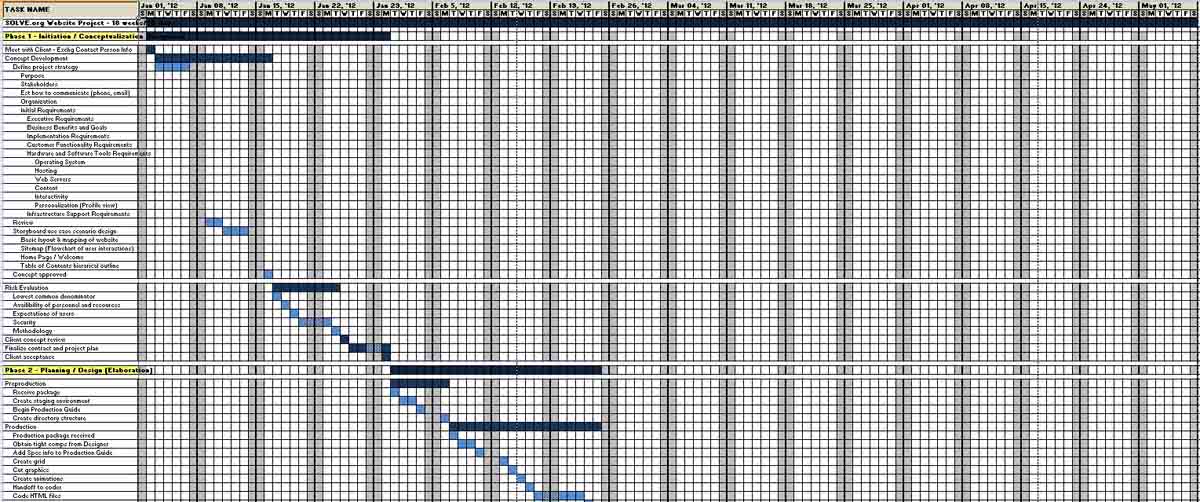
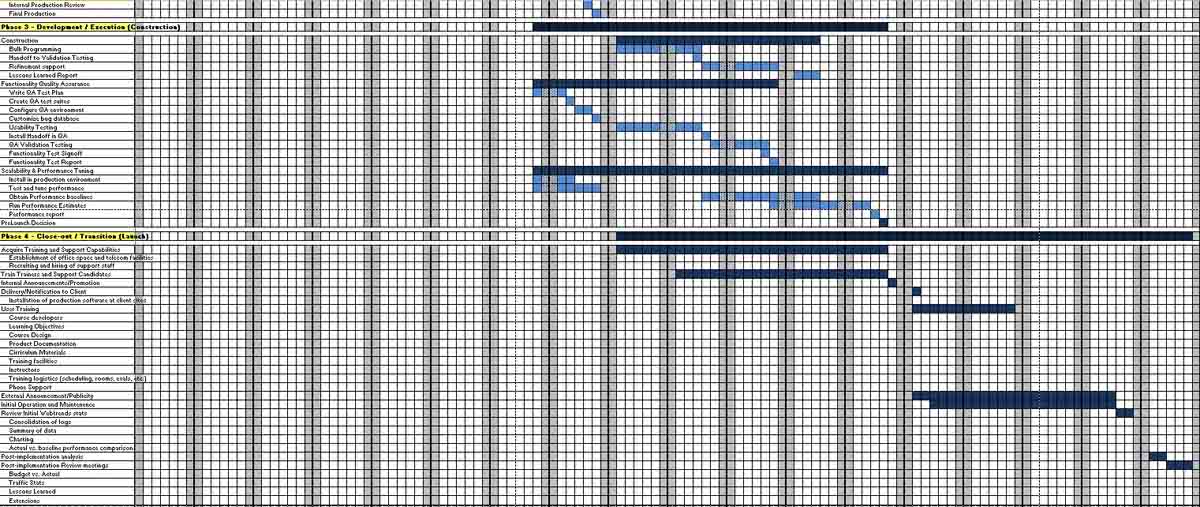
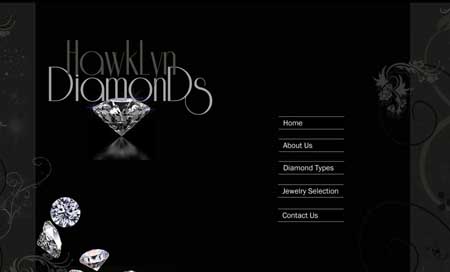
This was a group project for my Project Management class to respond to an RPF with a formal proposal and a website prototype for a company requesting to rebuild their current website.View Gantt Chart View Cost Analysis Go to DevCo's Website
Go To Top
Program(s) Used
- Adobe Dreamweaver
Project Details
I created this website for my Web Design Workshop class. The project was to create a basic website for a high-end specialty store.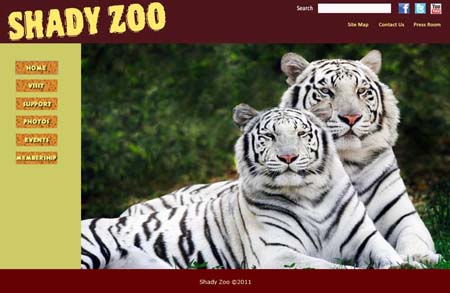
Go To Top
Program(s) Used
- Adobe Dreamweaver
Project Details
I created this website for my Web Design Workshop class. The project was to create a basic website for a zoo.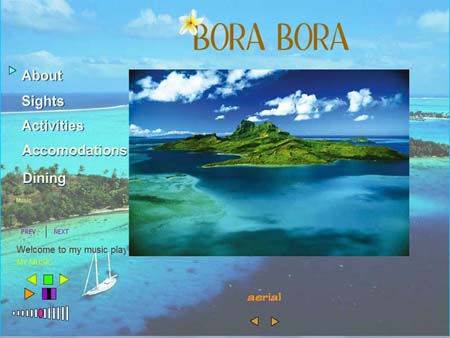
Go To Top
Program(s) Used
- Adobe Flash
Project Details
I created this website for my Interactive Motion Media class.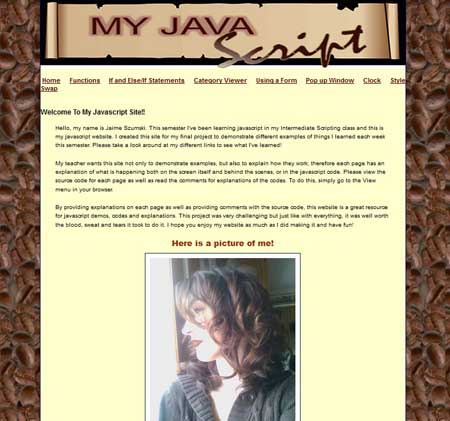
Go To Top
Program(s) Used
- Adobe Dreamweaver
Project Details
I created this website for my Intermediate Scripting class.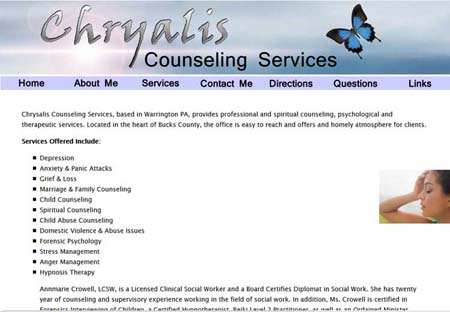
Go To Top
Program(s) Used
- Adobe Dreamweaver
- Adobe Photoshop
Project Details
I created this website for my Introduction to Scripting class. Animation
Go To Top
Program(s) Used
- Adobe Flash
- Adobe Photoshop
Project Details
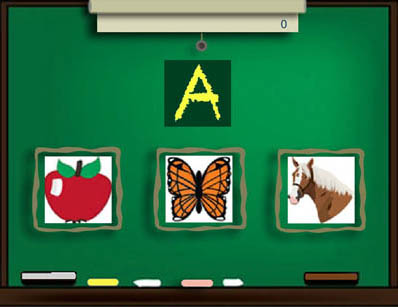
This game was for a project in my Flash Advanced class to make a kid's game using Adobe Flash.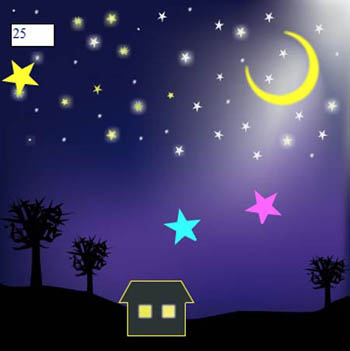
Go To Top
Program(s) Used
- Adobe Flash
- Adobe Photoshop
Project Details
This game was for a project in my Flash Advanced class to take a Falling Star game that we learned how to code in procedural programming at the beginning of the semester, and recode the exact same game in OOP format instead. Even though the games are written using 2 different types of programming languages, the final resulting game is exactly the same.Click the links below to view the text for the 2 types of formatting code.
View ActionScript Code - Procedural Programming
View ActionScript Code - OOP Programming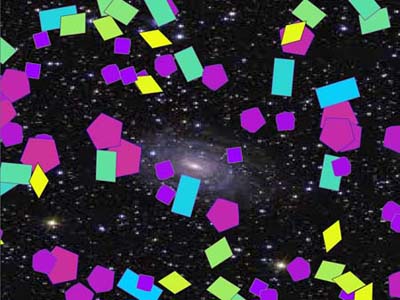
Go To Top
Program(s) Used
- Adobe Flash
- Adobe Photoshop
Project Details
This project was for a project in my Programming Logic class to use Adobe Flash to create an animated image with multiple objects falling from different directions. Go To Top
Program(s) Used
- Adobe Flash
Project Details
This is a simple training exercise I designed for a project in Concepts in Motion Media using Adobe Flash.
Go To Top
Program(s) Used
- Adobe Flash
Project Details
This is a simple e-card I designed for a project in Concepts in Motion Media using Adobe Flash.
Digital Design
Go To Top
Program(s) Used
- Adobe Illustrator
Project Details
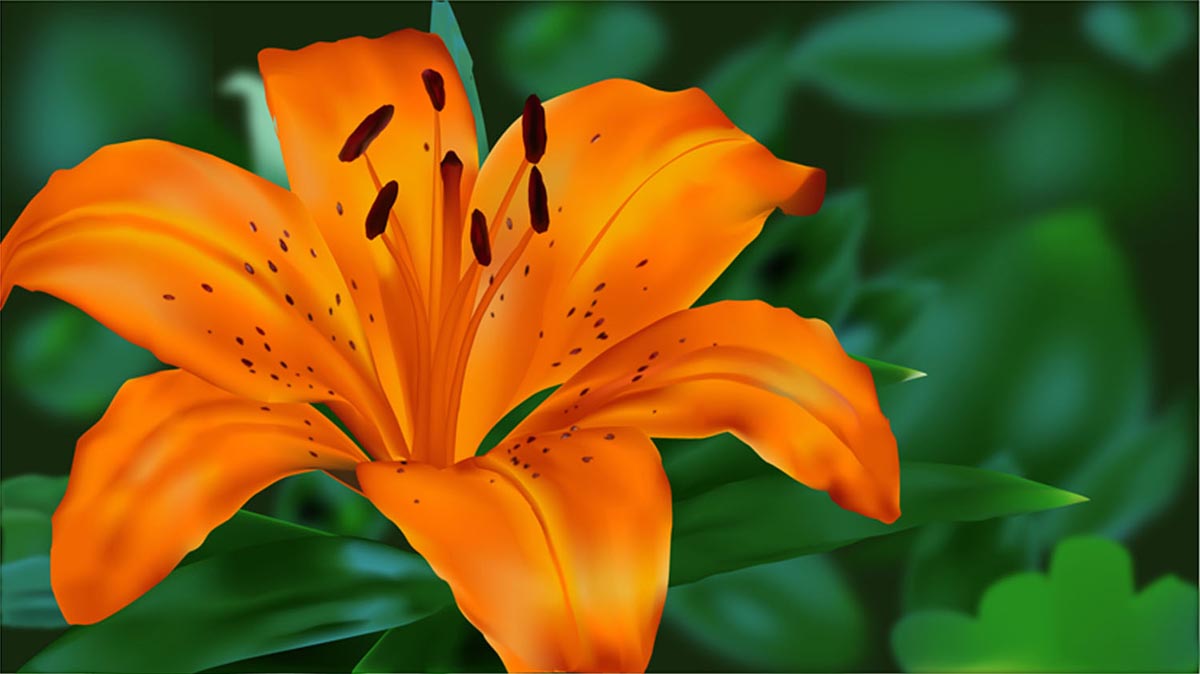
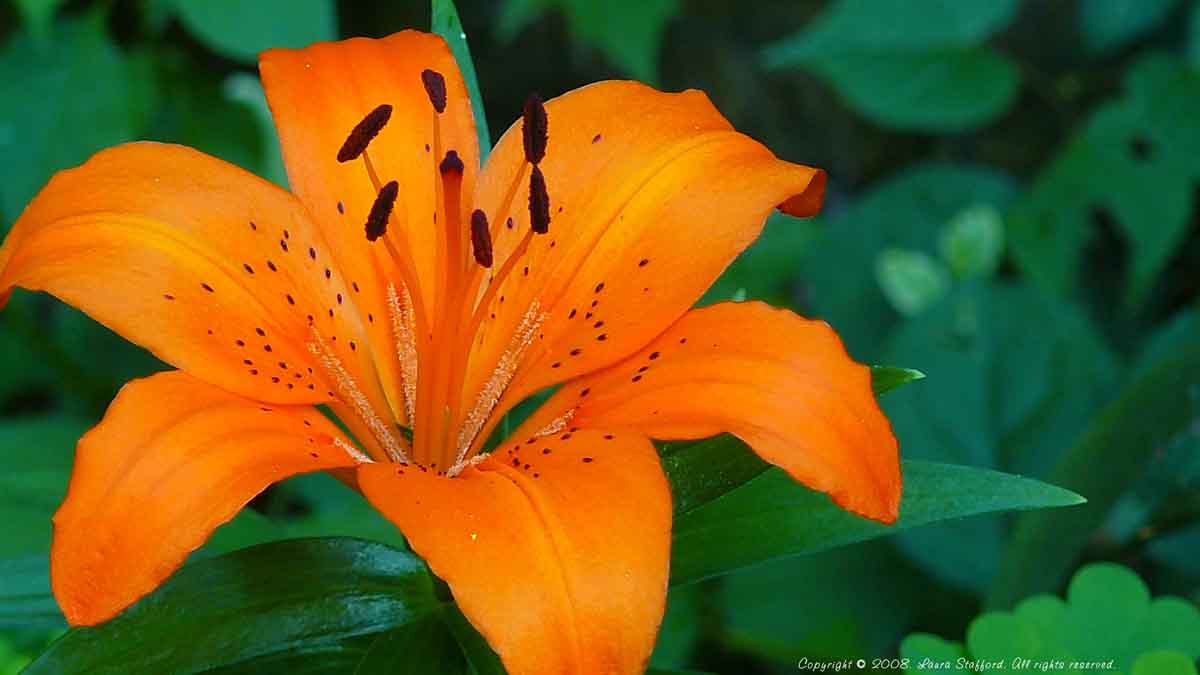
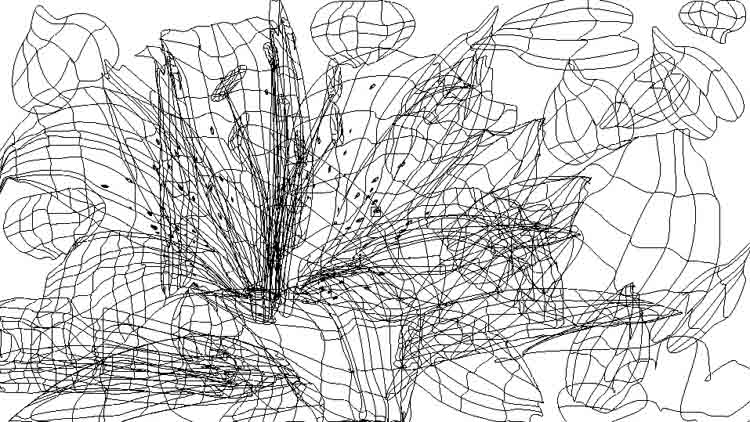
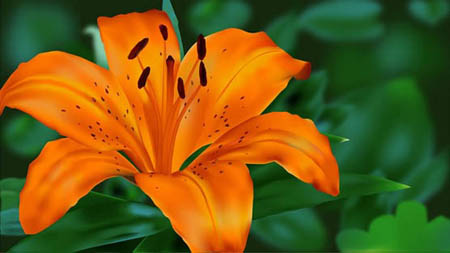
I created this image in Adobe Illustrator for a project in my second Digital Illustration class. The project was to take an actual picture of a flower and recreate it using the Bezier and Gradient Mesh tools.Original Image/Outline View


Go To Top
Program(s) Used
- Adobe Illustrator
Project Details
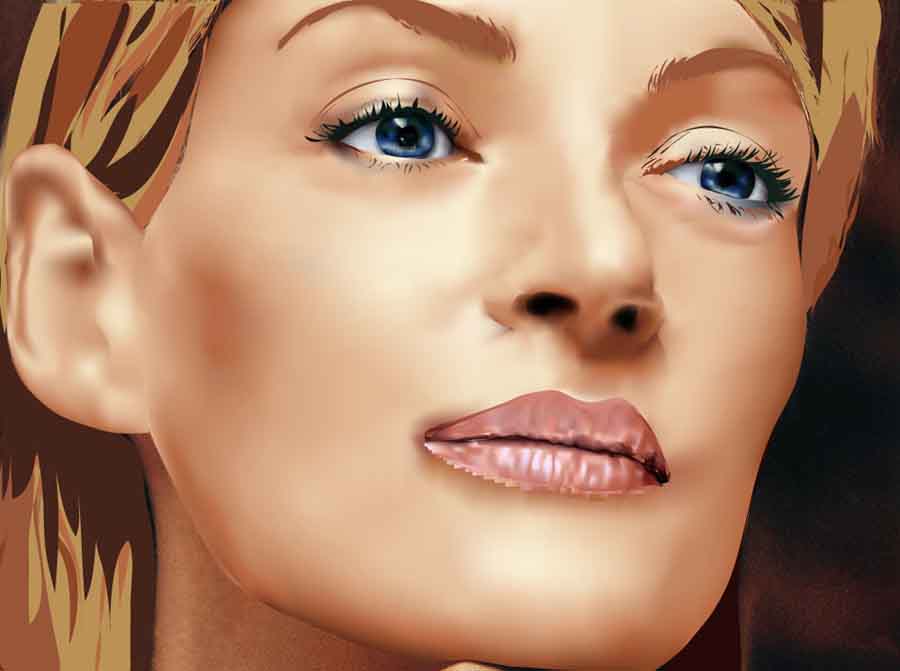
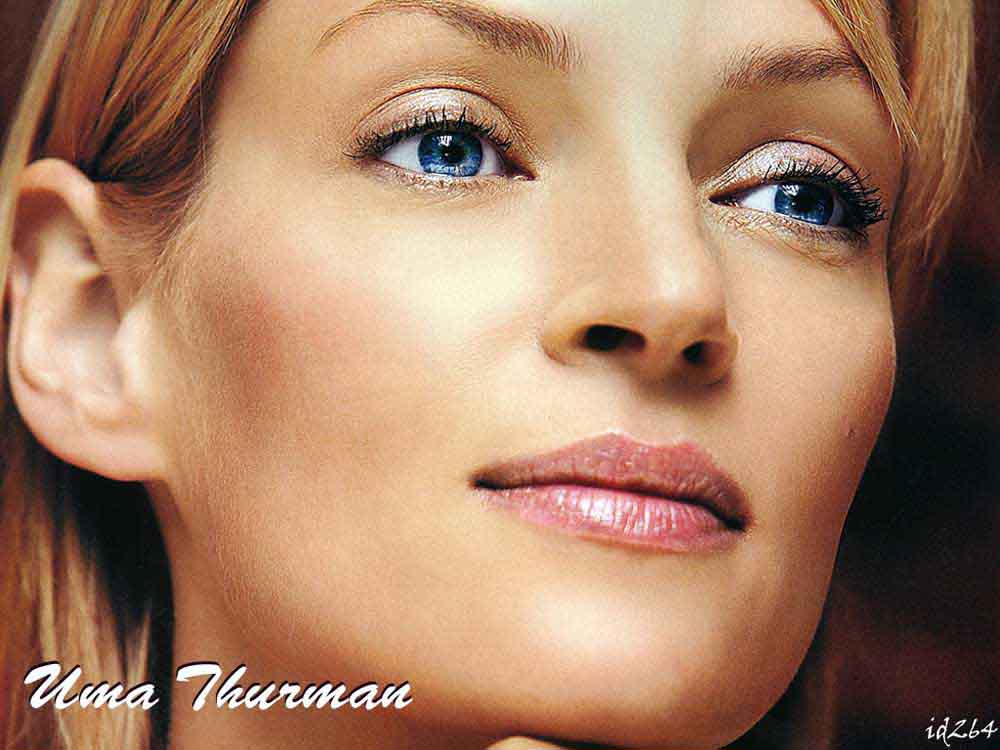
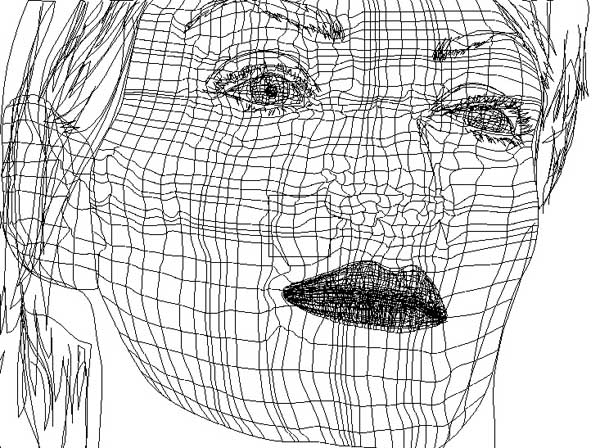
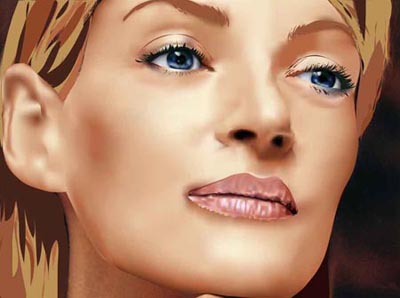
I created this image in Adobe Illustrator for a project in my second Digital Illustration class. The project was to take an actual picture of a person and recreate it using the Gradient Mesh tool.Original Image/Outline View


Go To Top
Program(s) Used
- Adobe Photoshop
Project Details
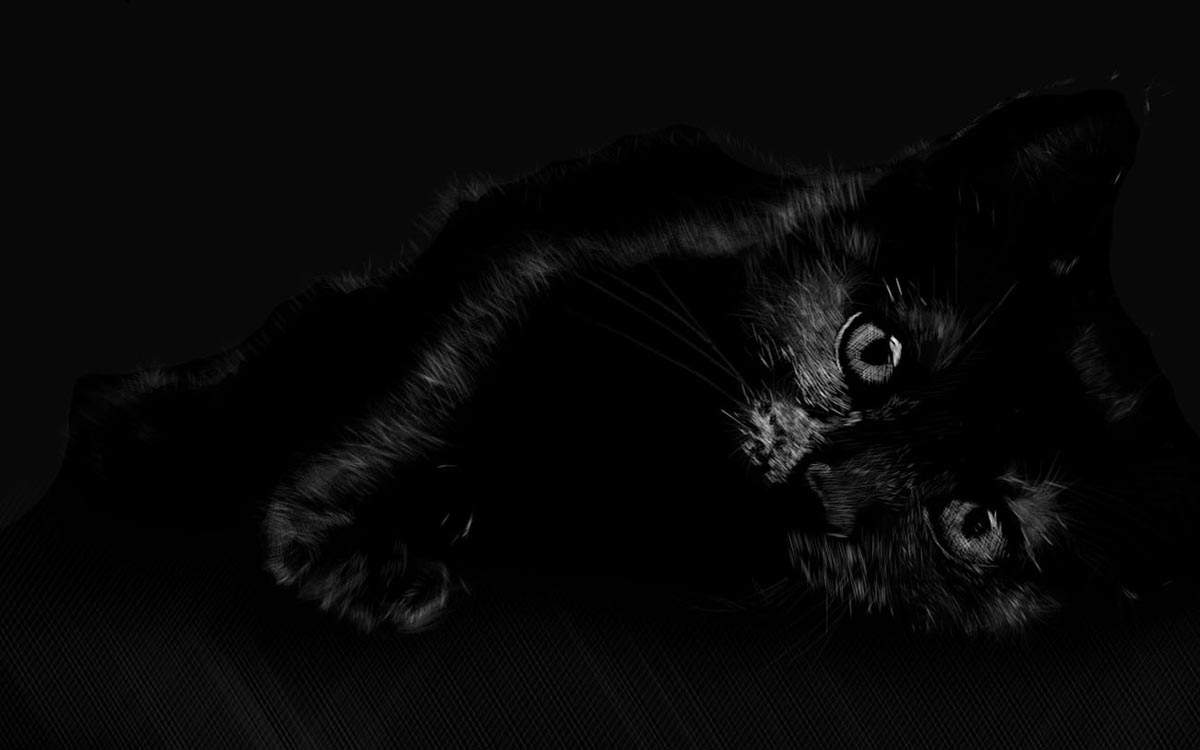
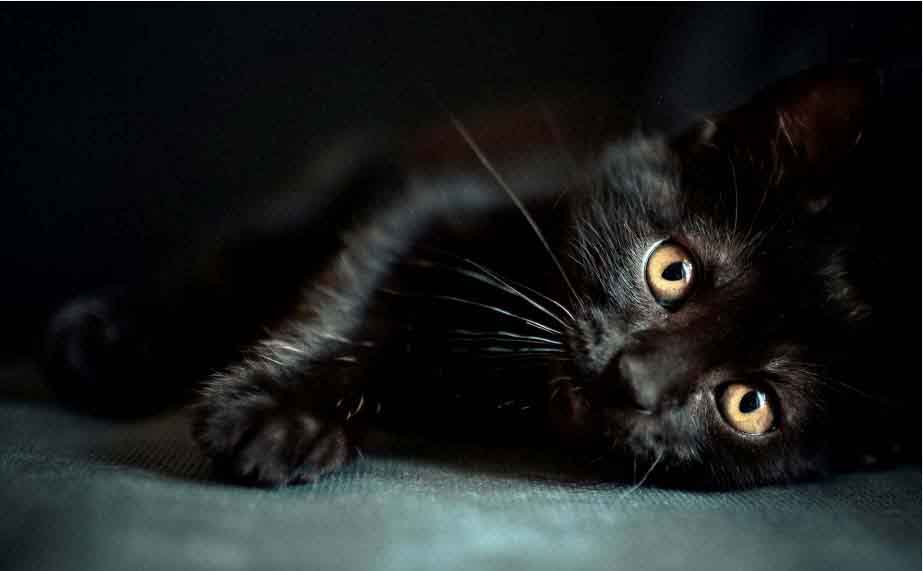
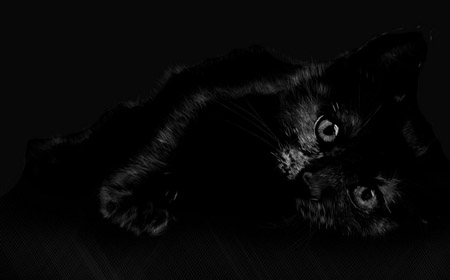
I created this image in Adobe Photoshop for a project in my second Digital Illustration class. The project was to take an actual picture of an animal and recreate it using a scratchboard technique in Photoshop that we learned in class.Original Image

Go To Top
Program(s) Used
- Adobe Photoshop
Project Details
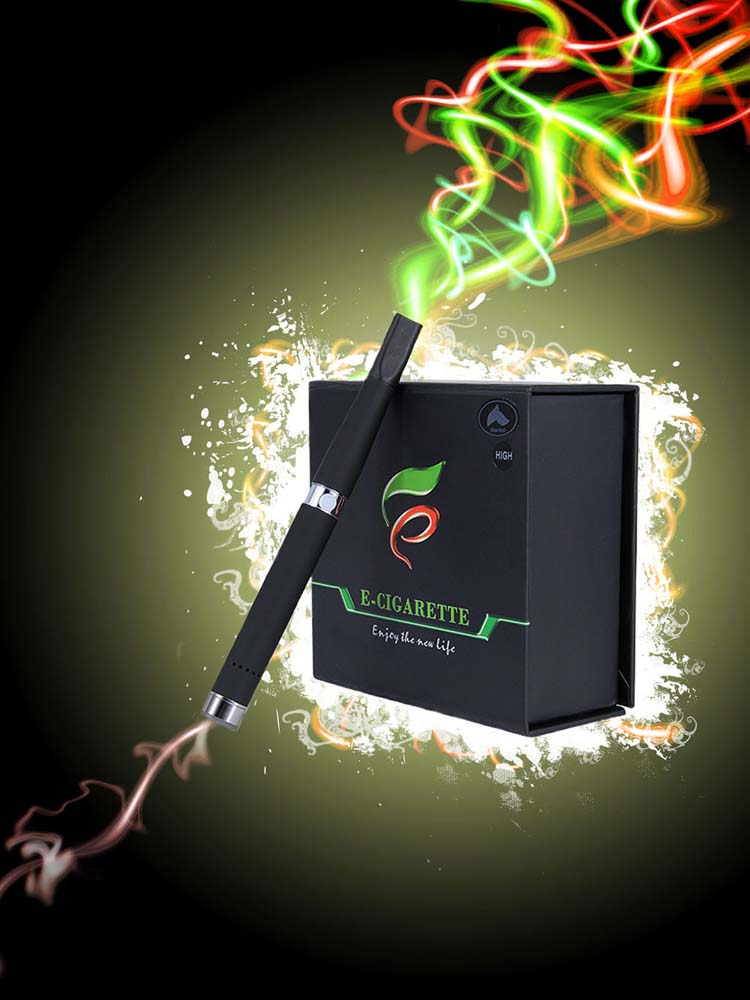
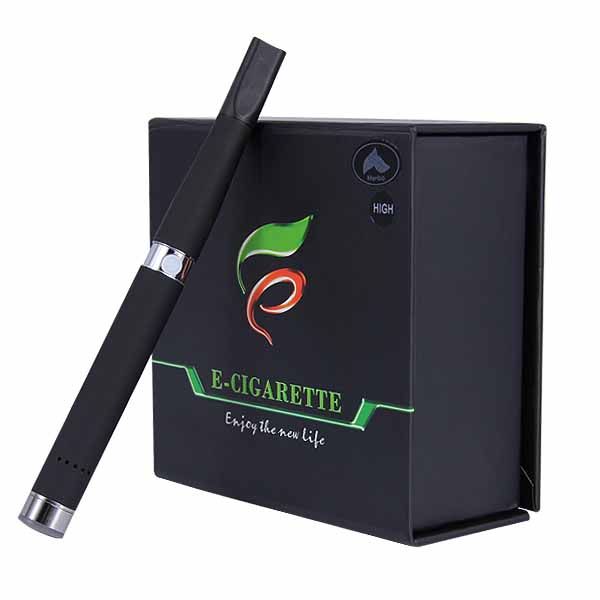
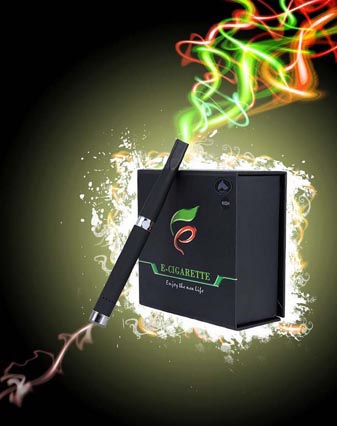
I created this image in Adobe Photoshop for a project in my Digital Illustration class. The project was to take an actual picture of a product, create a background, and then create the laser effect using a Lens Flare technique in Photoshop that we learned in class.Original Image

Go To Top
Program(s) Used
- Adobe Photoshop
Project Details
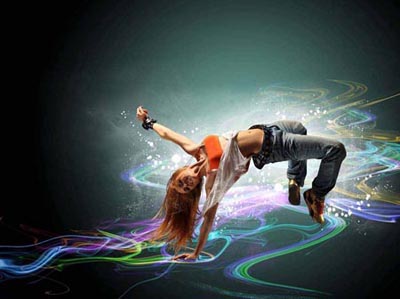
I created this image in Adobe Photoshop for a project in my second Digital Illustration class. The project was to take an actual picture of a product, create a background, and then create the laser effect using a Lens Flare technique in Photoshop that we learned in class.Original Image

Go To Top
Program(s) Used
- Adobe Photoshop
Project Details
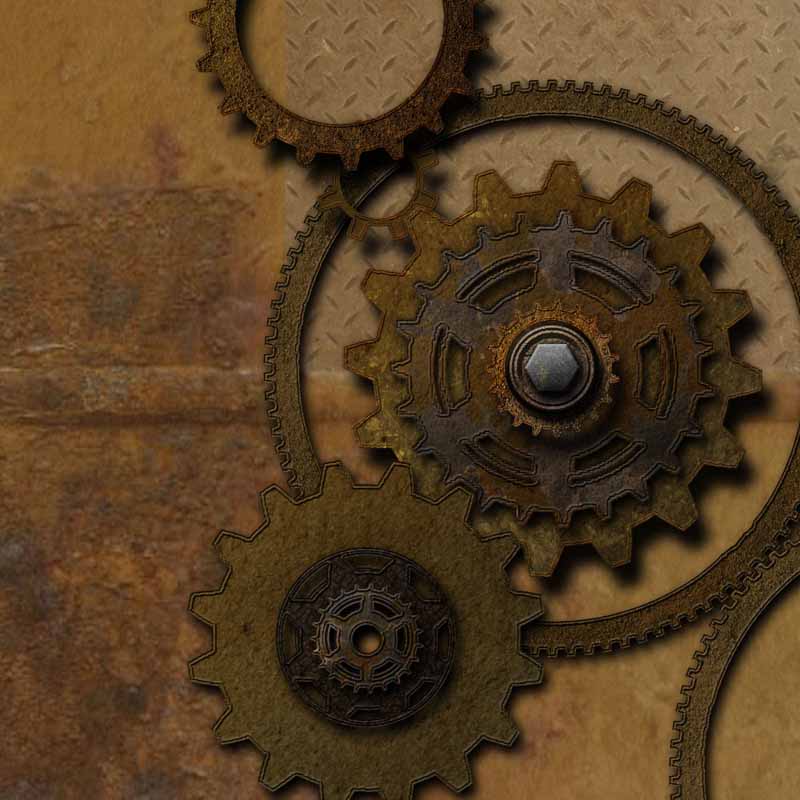
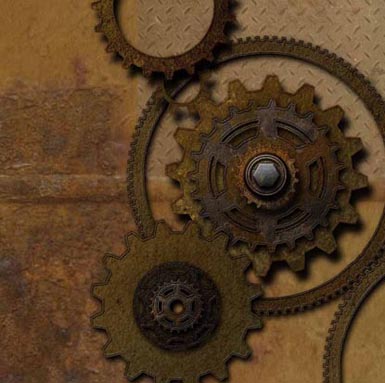
I created this image in Adobe Photoshop for a project in my Digital Illustration class. The project was to create a scene with various gears using only shapes and adding special effects that we learned in class to each layer so the shapes appear to look like real gears.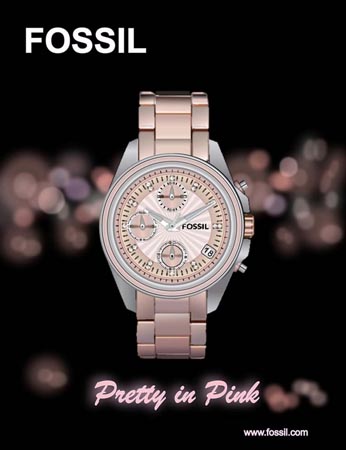
Go To Top
Program(s) Used
- Adobe Illustrator
Project Details
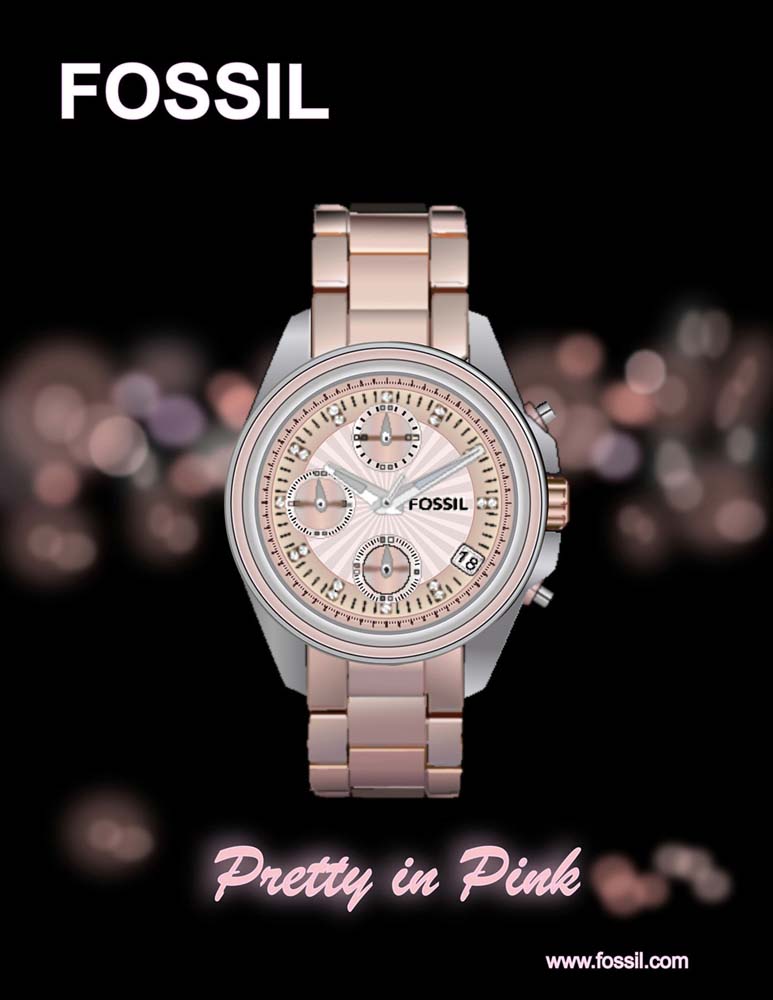
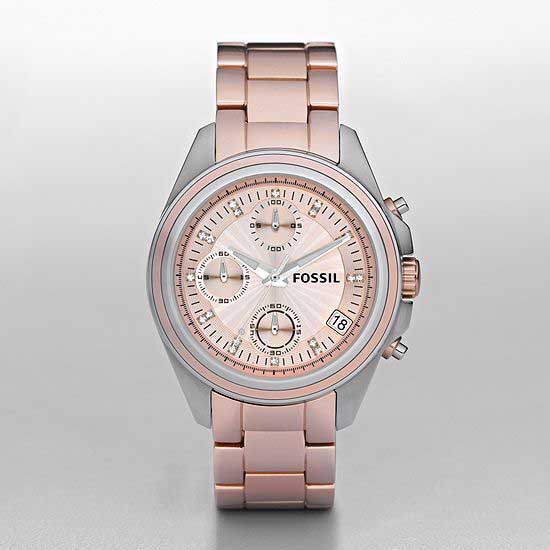
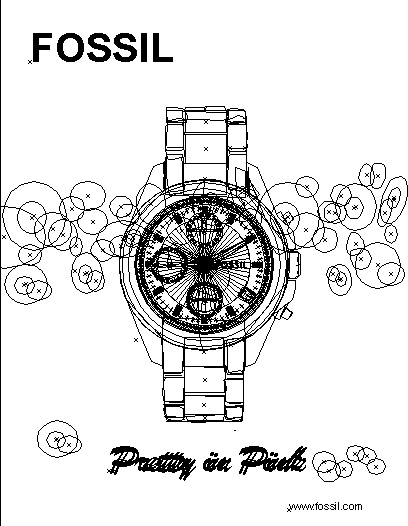
I created this image in Adobe Illustrator for a project in my first Digital Illustration class. The project was to take an actual picture of a watch and recreate it using the Gradient & Gradient Mesh tools and then create a background for an advertisement.Original Image/Outline View


Go To Top
Program(s) Used
- Adobe Illustrator
Project Details
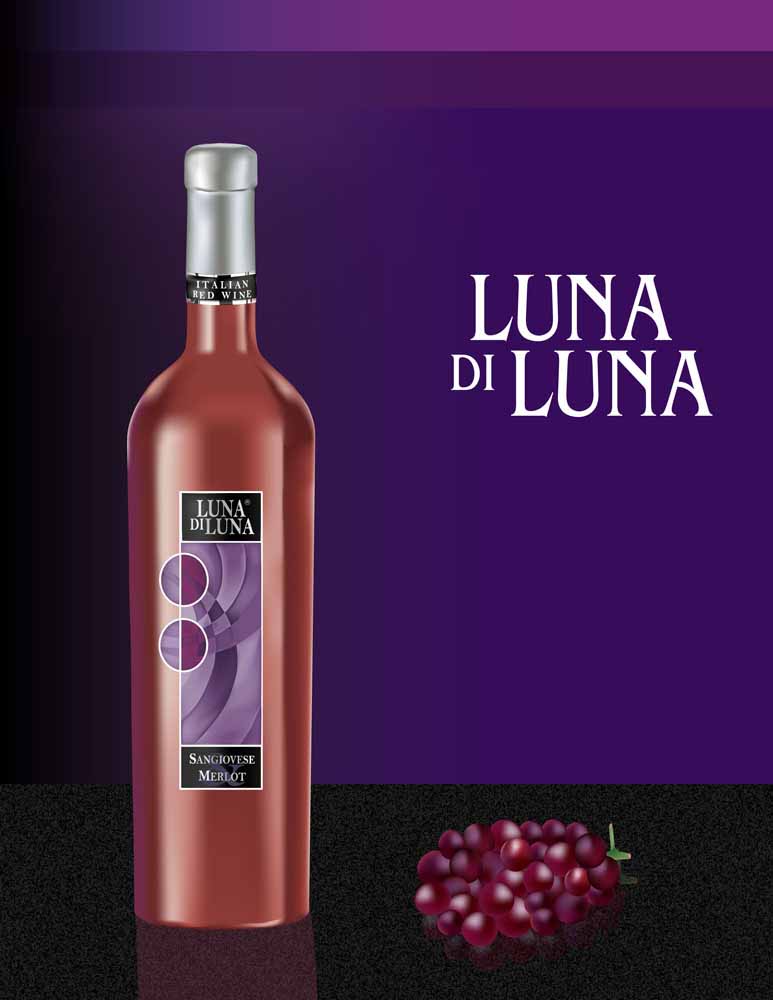
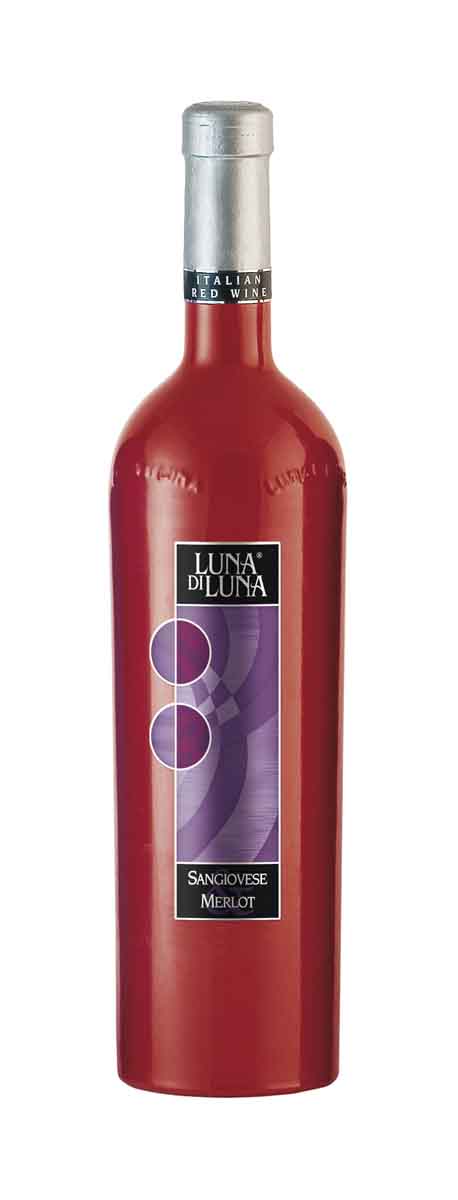
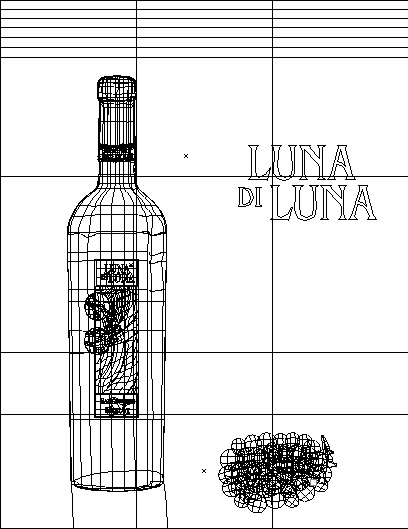
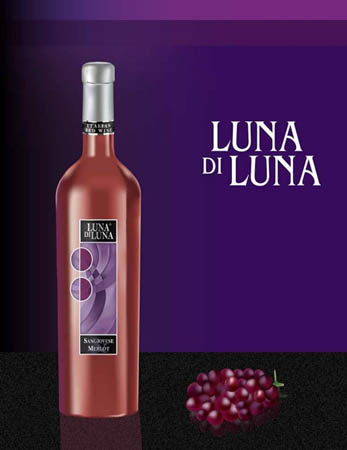
I created this image in Adobe Illustrator for a project in my first Digital Illustration class. The project was to take an actual picture of a bottle and recreate it using the Gradient Mesh tool and then create a background for an advertisement.Original Image/Outline View


Go To Top
Program(s) Used
- Adobe Illustrator
Project Details
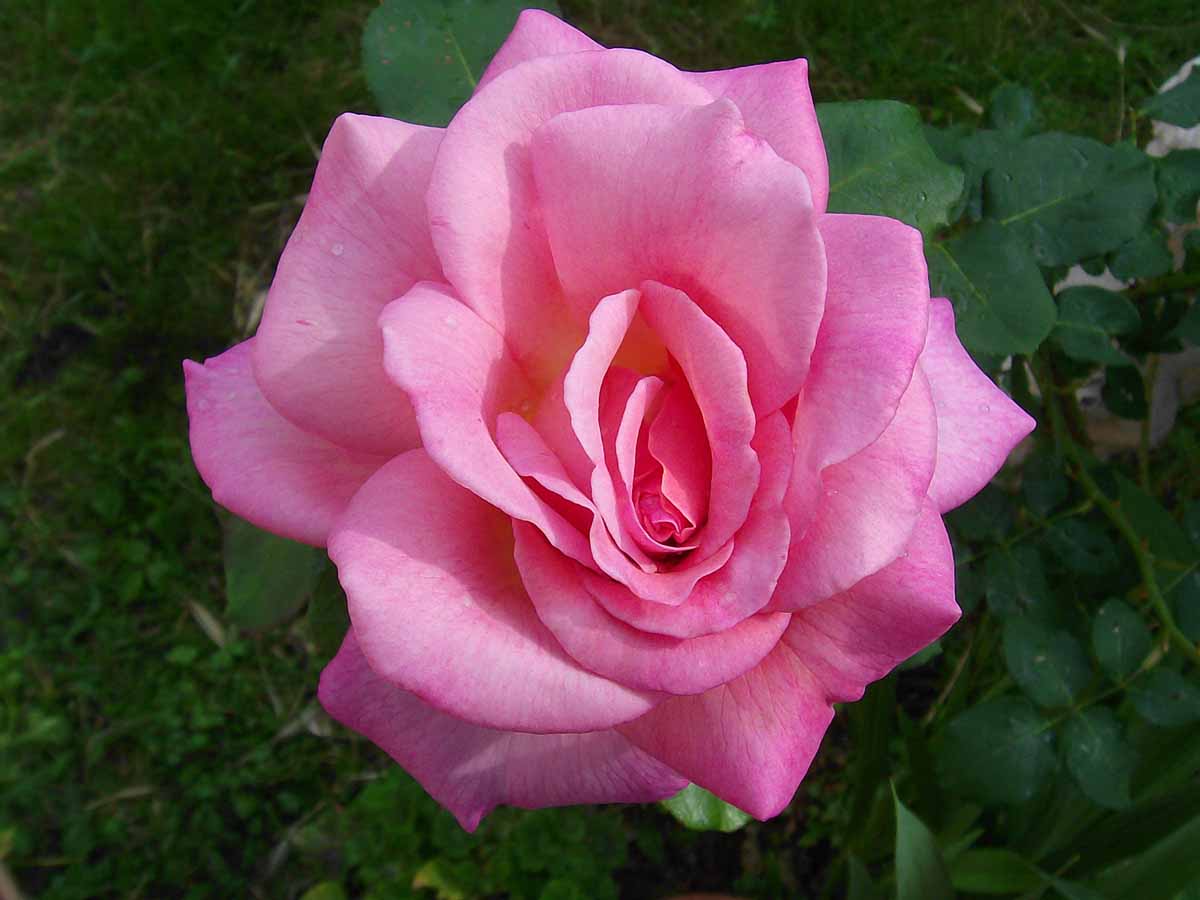
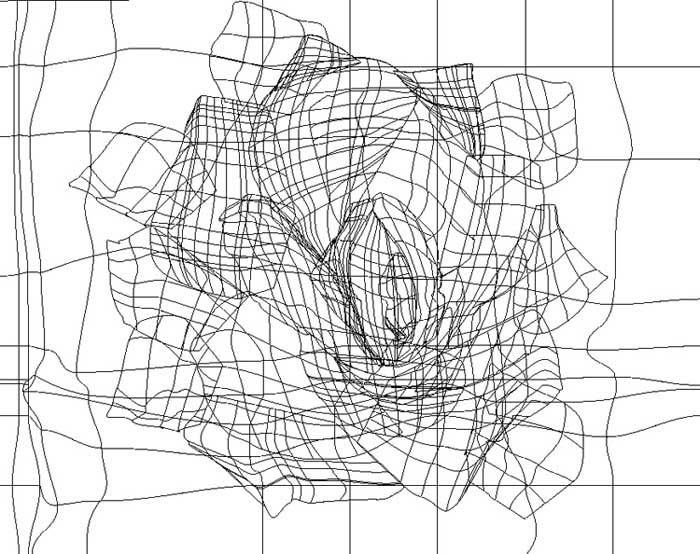
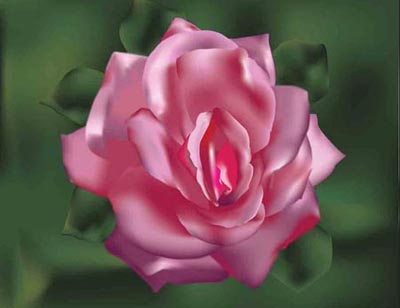
I created this image in Adobe Illustrator for a project in my first Digital Illustration class. The project was to take an actual picture of a rose and recreate it using the Bezier and Gradient Mesh tools.Original Image/Outline View


Go To Top
Program(s) Used
- Adobe Illustrator
Project Details
I created this image in Adobe Illustrator for a project in my first Digital Illustration class. The project was to recreate the image of an existing company logo using the Bezier tool and filling each shape with color.Original Image/Outline View


Graphic Design
Go To Top
Program(s) Used
- Adobe Photoshop
Project Details
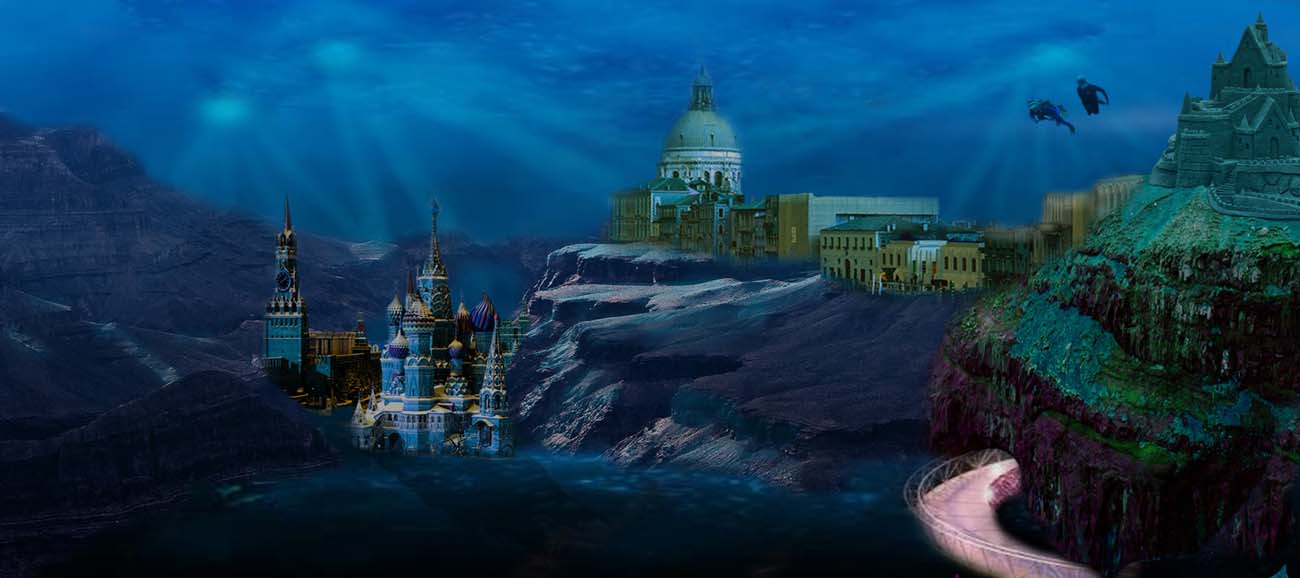
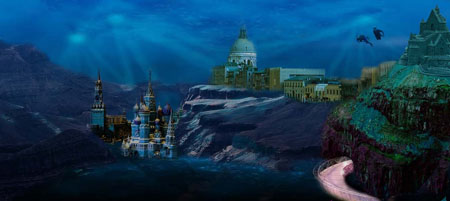
I created this image in Adobe Photoshop for a project in my Advanced Image Manipulation class. The project was to create a lost world by combining various images to create a lost world scene using various matte painting techniques in Photoshop.Original Images


Go To Top
Program(s) Used
- Adobe Photoshop
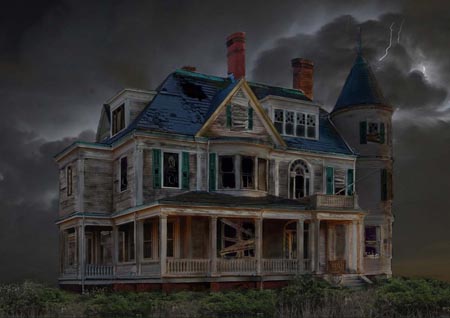
Project Details
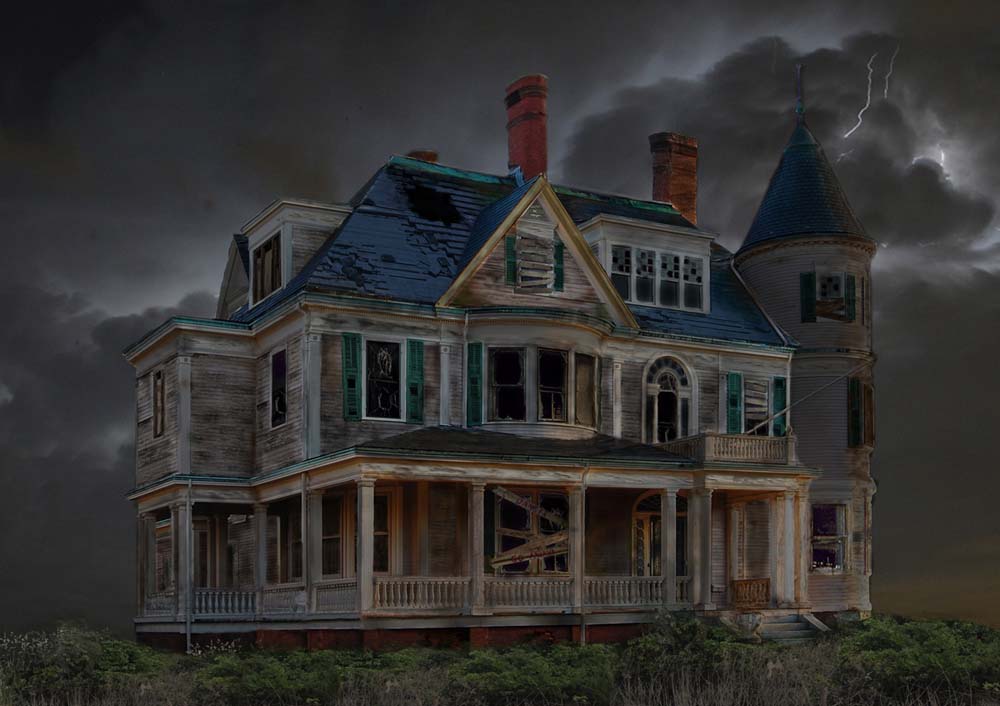
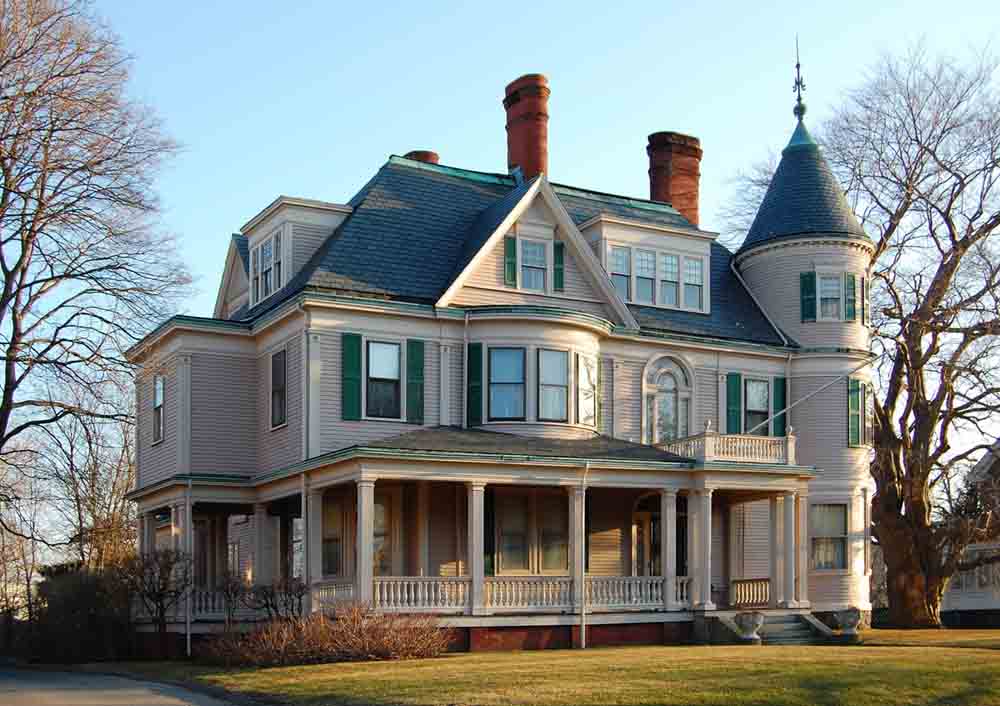
I created this image in Adobe Photoshop for a project in my Advanced Image Manipulation class. The project was to take an actual picture of a normalhouse and make it look like a haunted house with a menacing background using the various manipulation techniques we learned in class.Original Image

Go To Top
Program(s) Used
- Adobe Photoshop
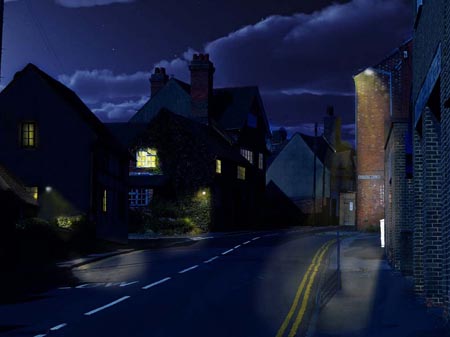
Project Details
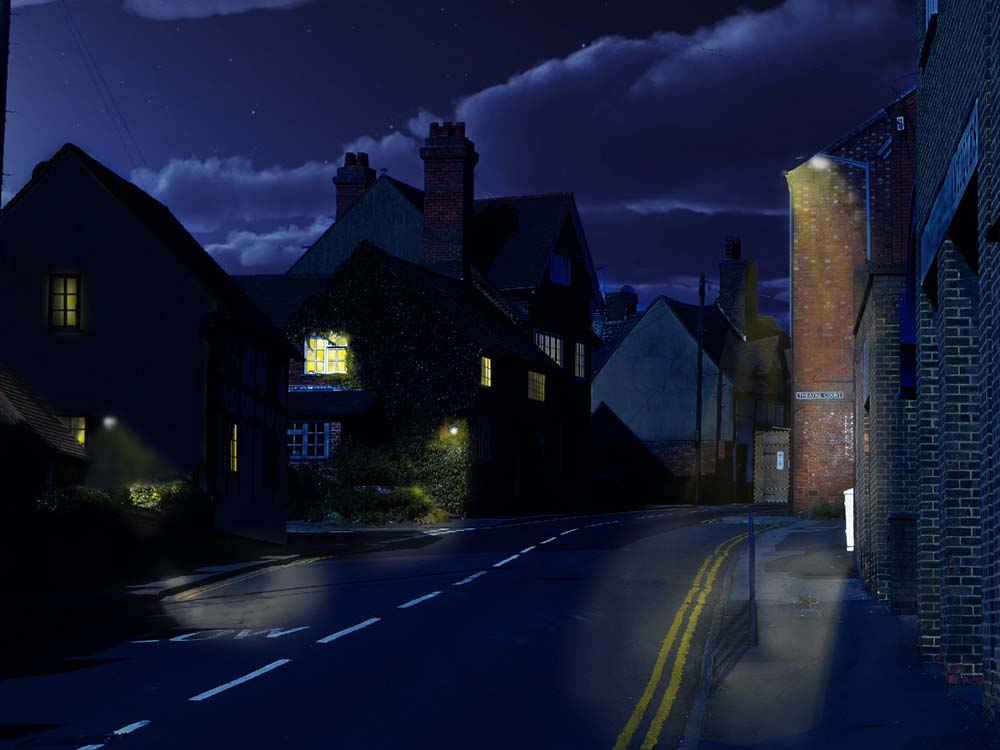
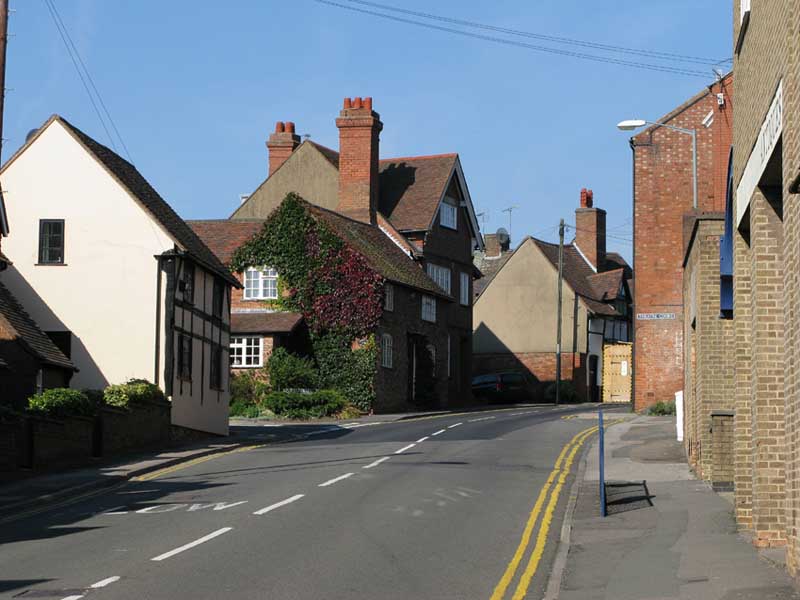
I created this image in Adobe Photoshop for a project in my Advanced Image Manipulation class. The project was to find a picture of a day scene and then manipulate it using various tools in Photoshop to make it look like a night scene instead.Original Image

Go To Top
Program(s) Used
- Adobe Illustrator
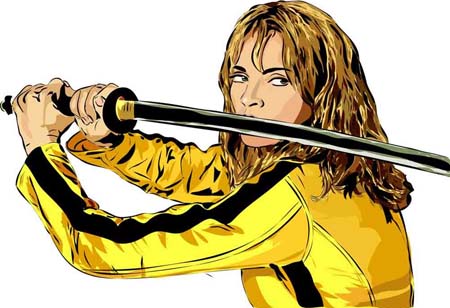
Project Details
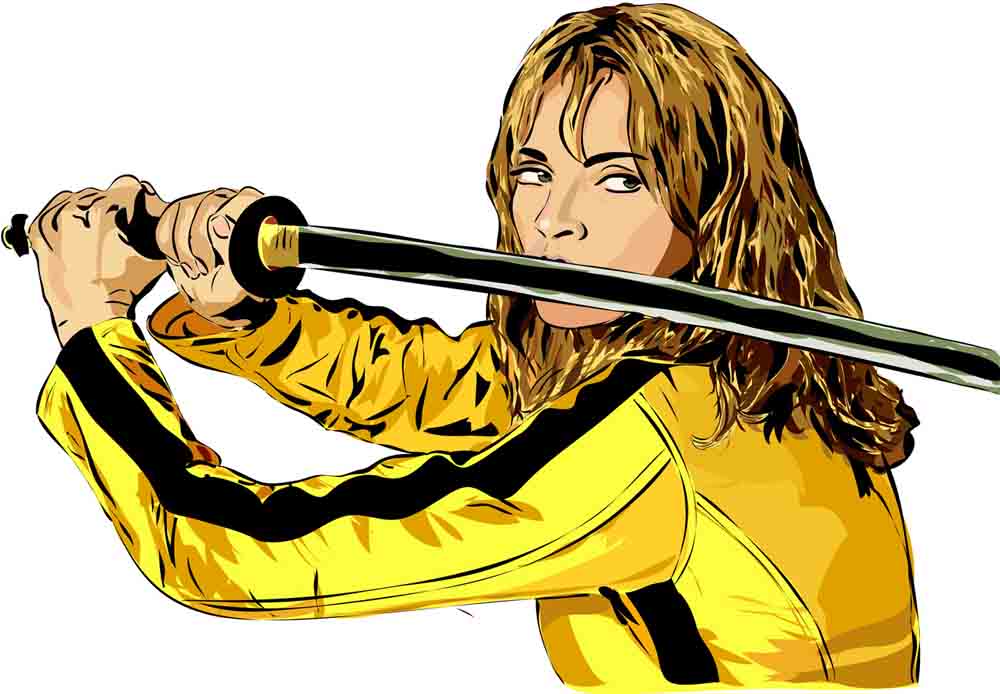
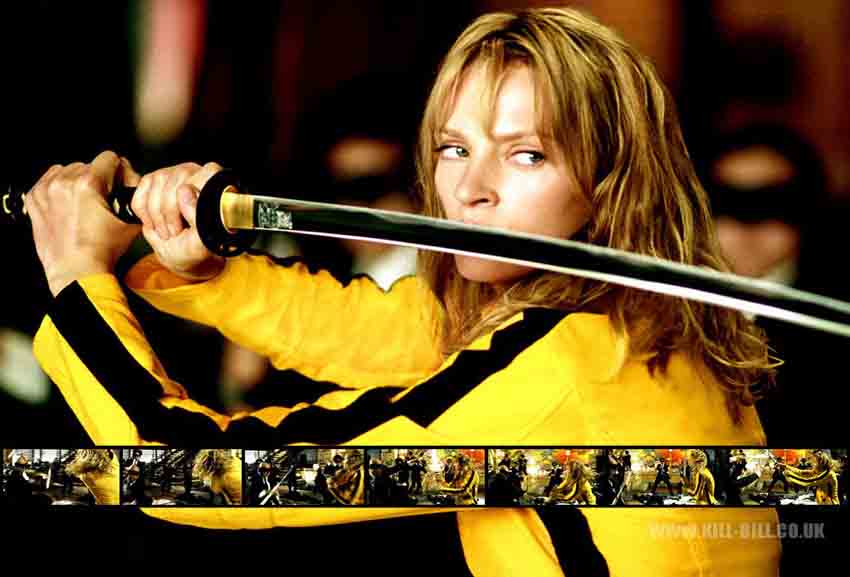
I created this image in Adobe Illustrator for a project in my Advanced Image Manipulation class. The project was to recreate an image of a person using the Pen tool in Illustrator to create a scanner darkly effect.Original Image

Go To Top
Program(s) Used
- Corel Painter
Project Details
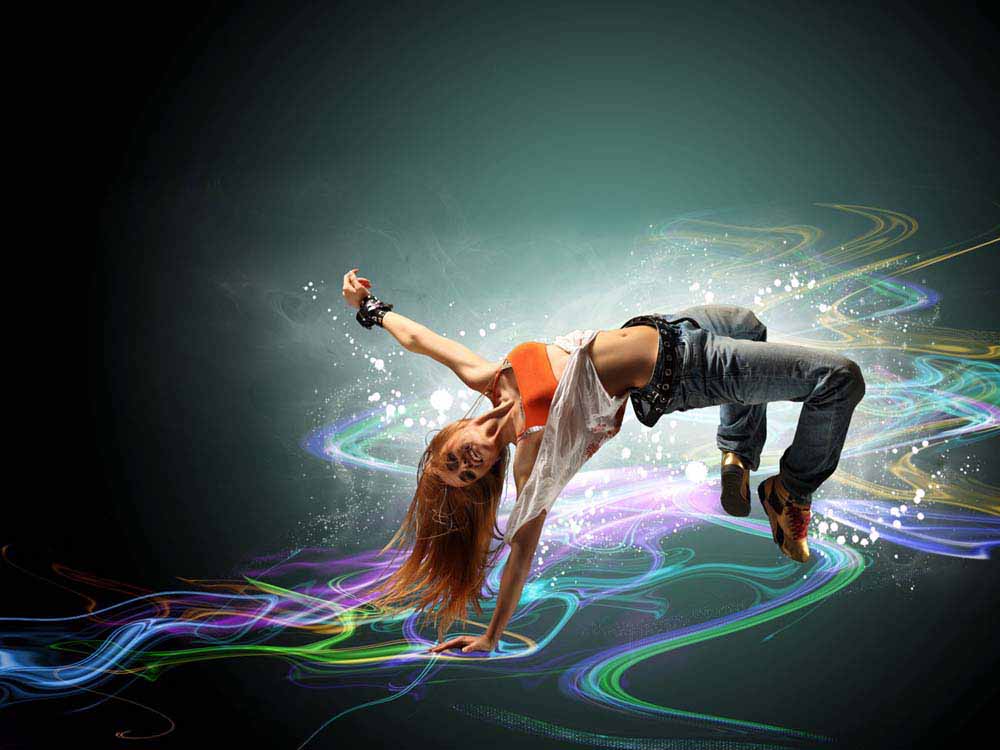
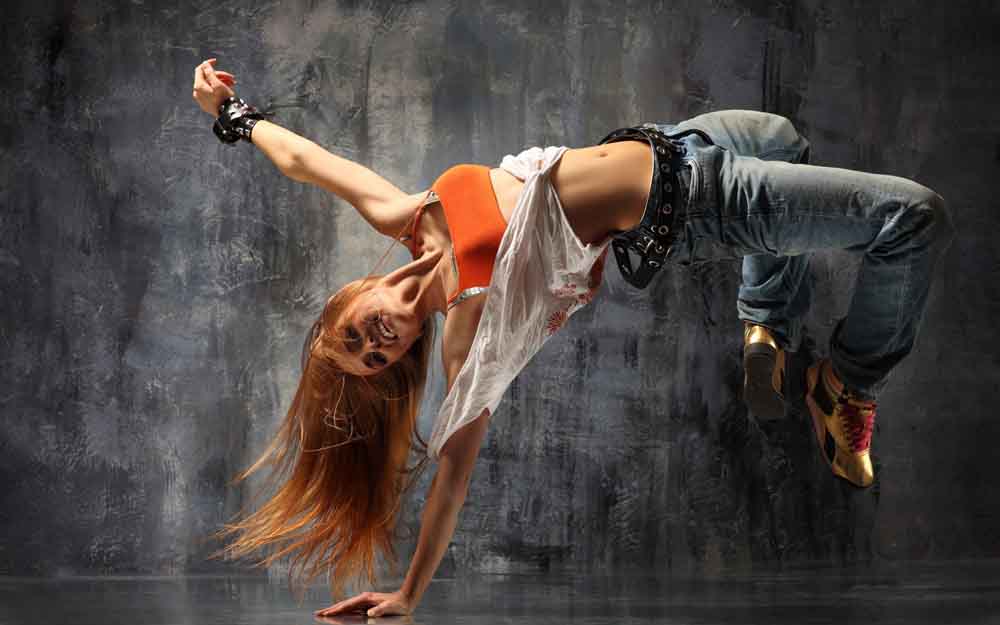
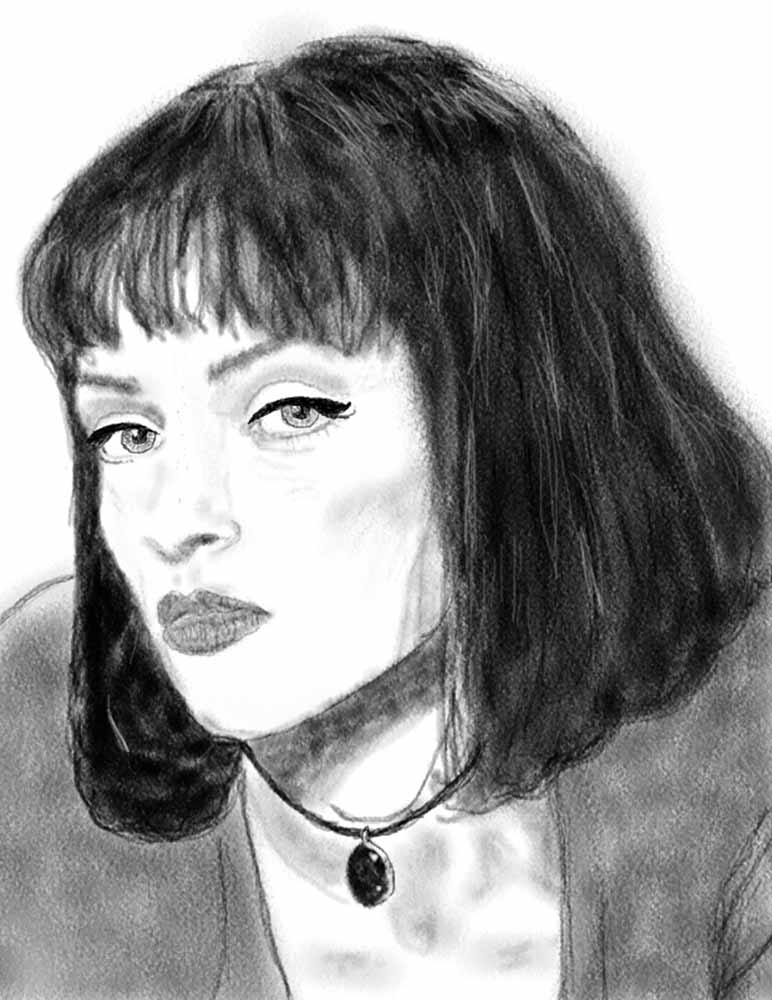
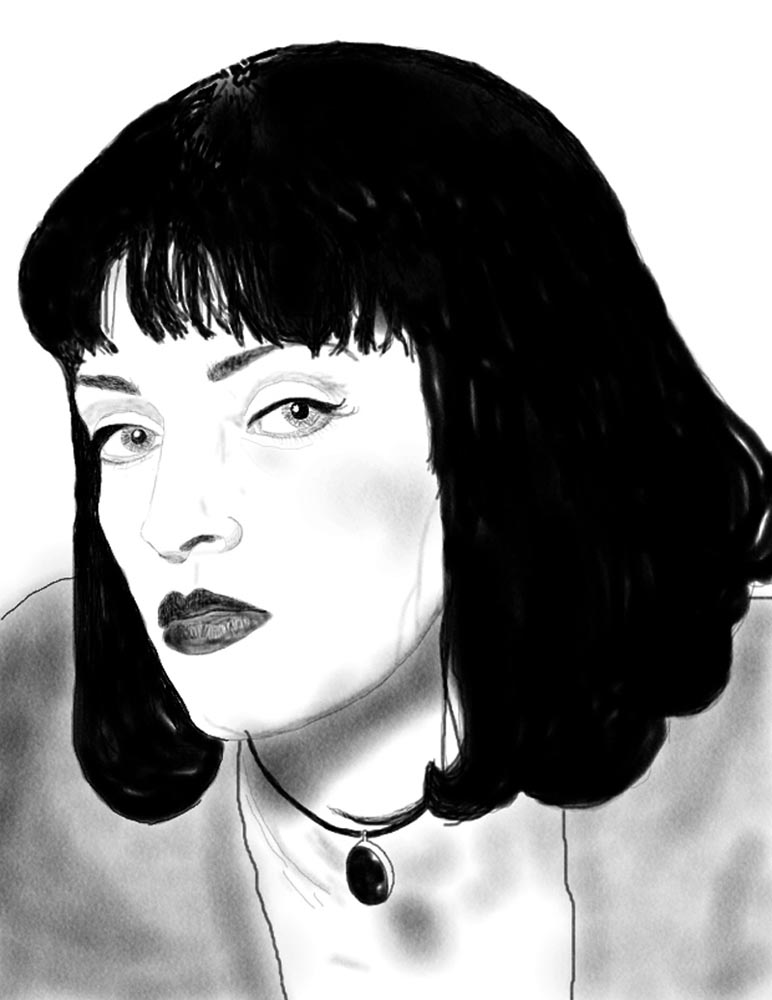
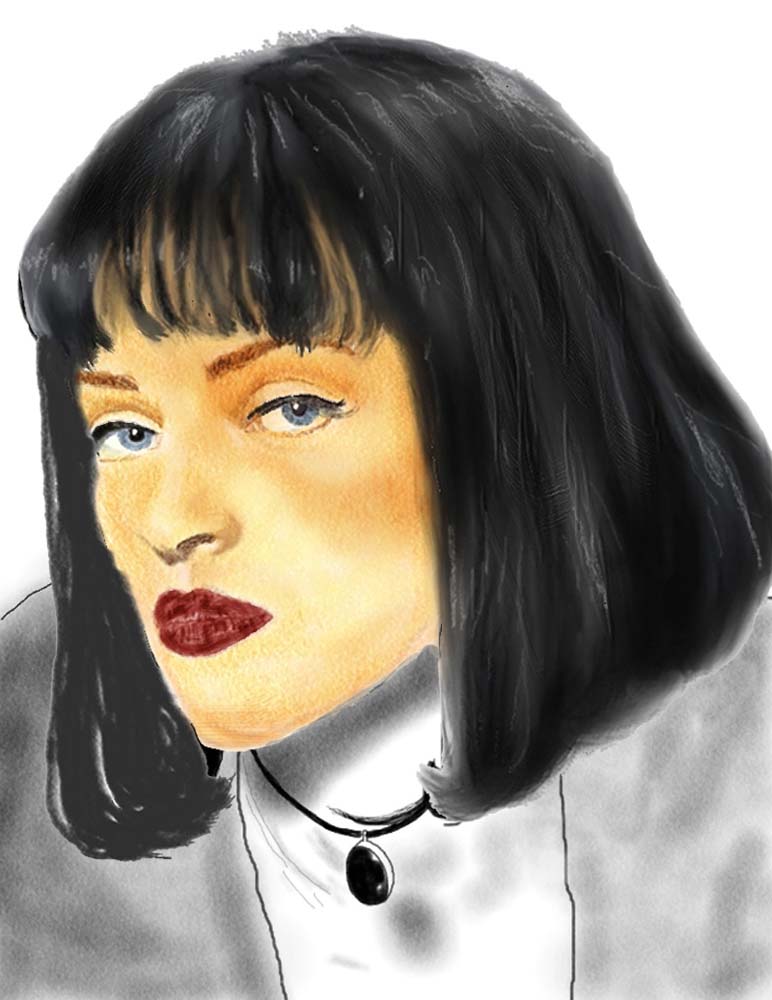
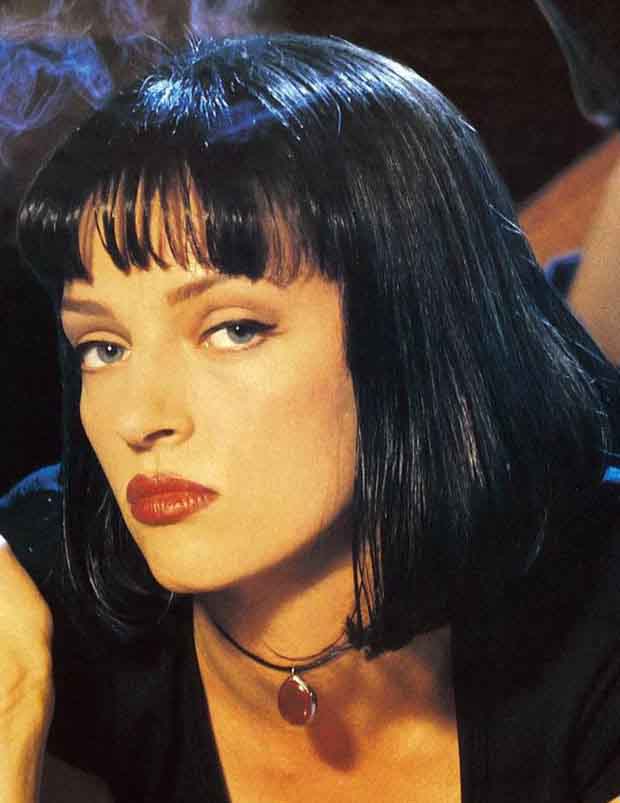
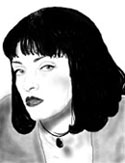
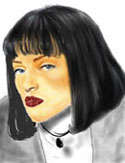
I created these three images in Corel Painter for a project in my Advanced Image Manipulation class. The project was to recreate three different versions of an image of a person, the first one using only Pencil brushes, the second one using only Charcoal brushes, and the third one using only Color brushes.Original Image

Go To Top
Program(s) Used
- Adobe Photoshop
Project Details
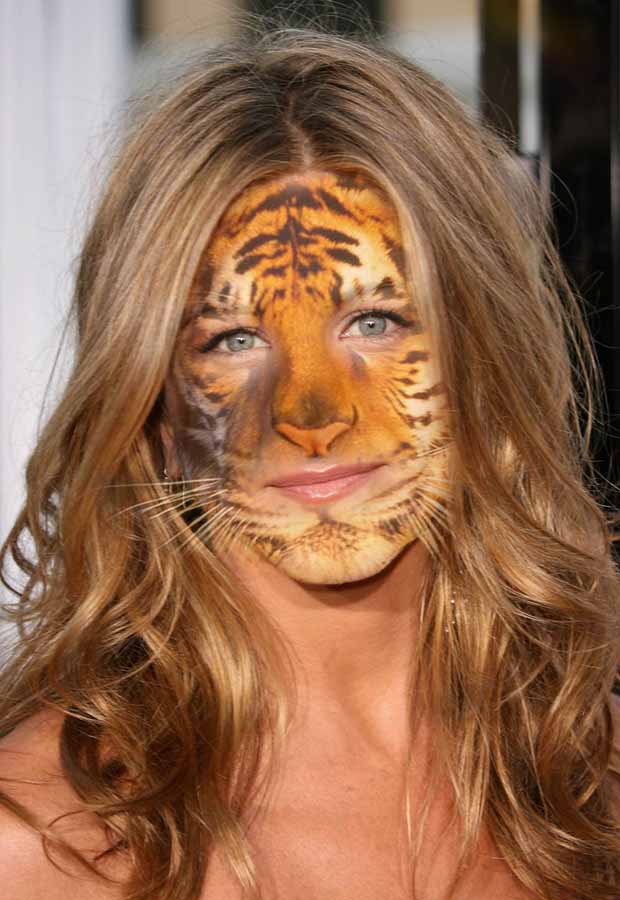
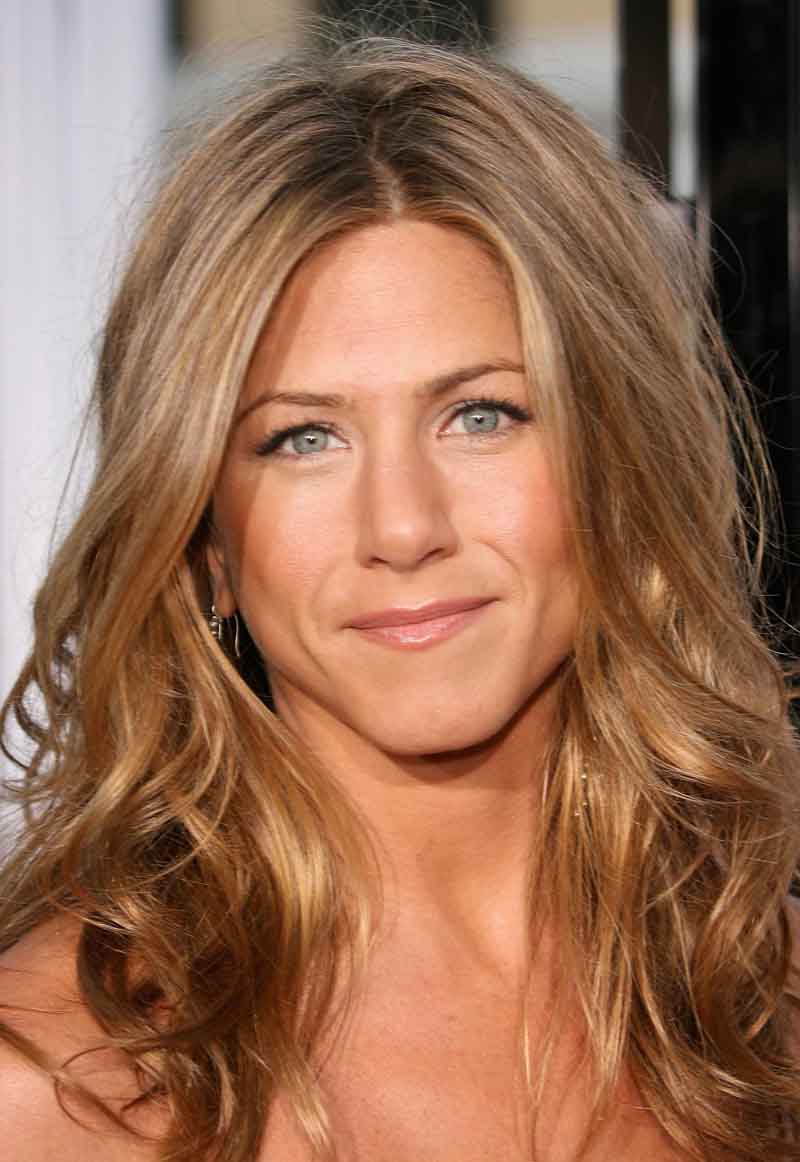
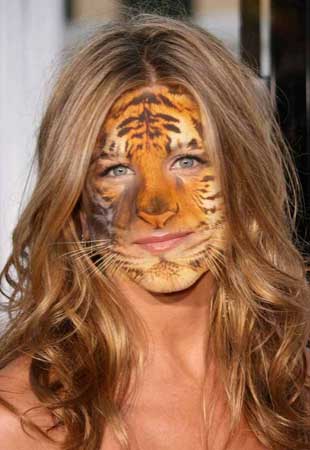
I created this image in Photoshop for a project in my first Image Manipulation class. The project was to combine an image of a person with an animal using various techniques we learned in class.Original Images


Go To Top
Program(s) Used
- Adobe Photoshop
Project Details
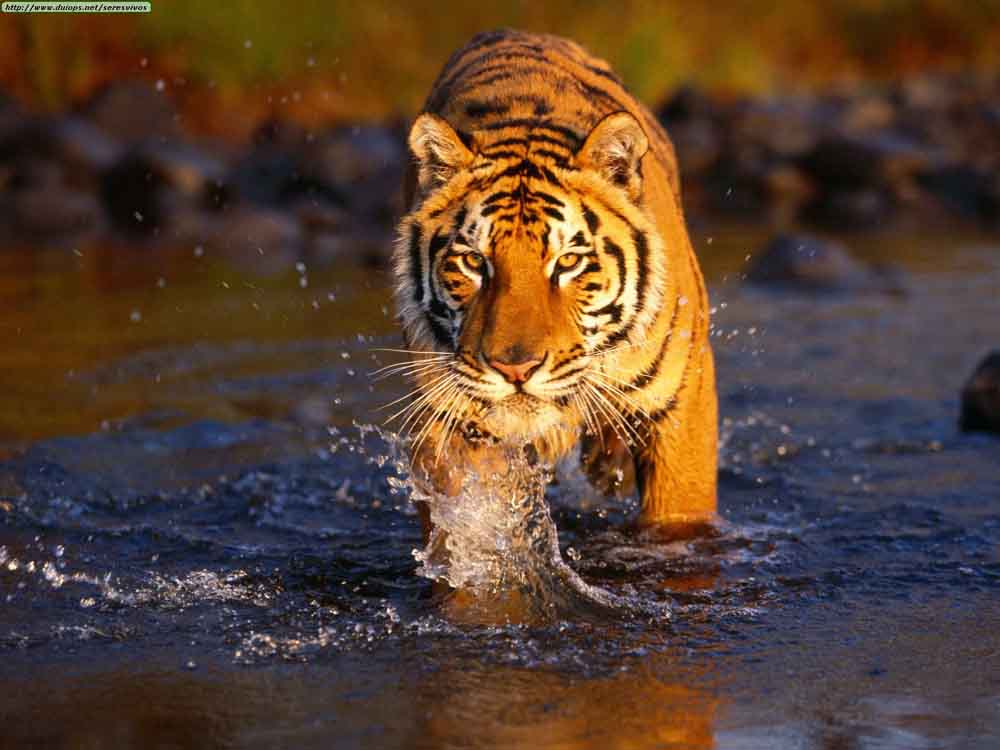
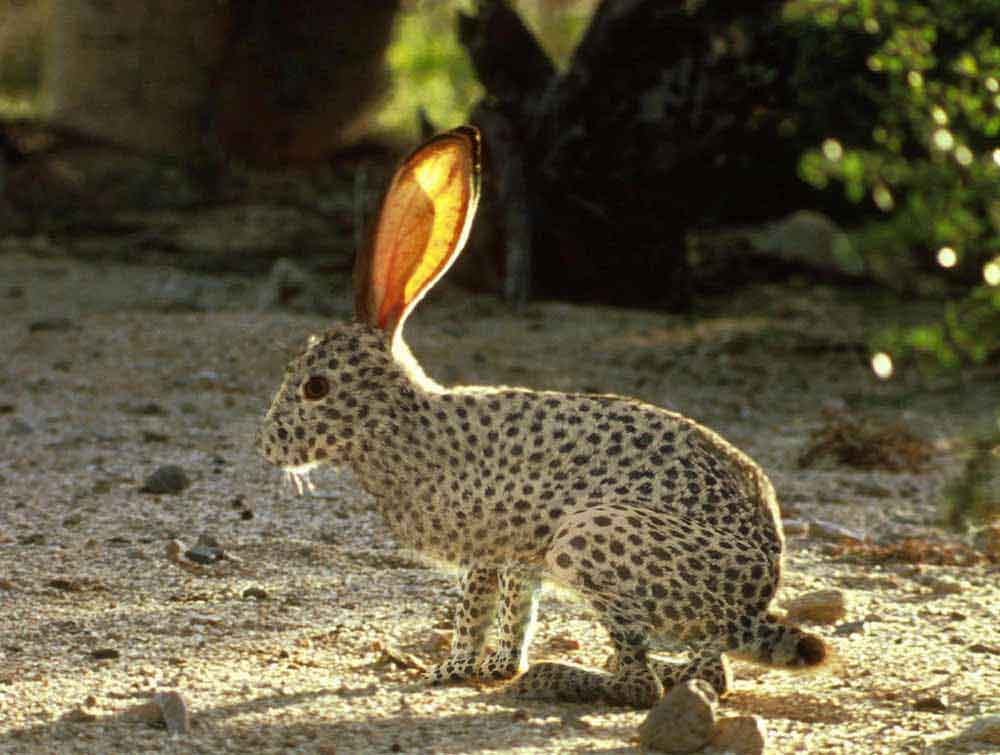
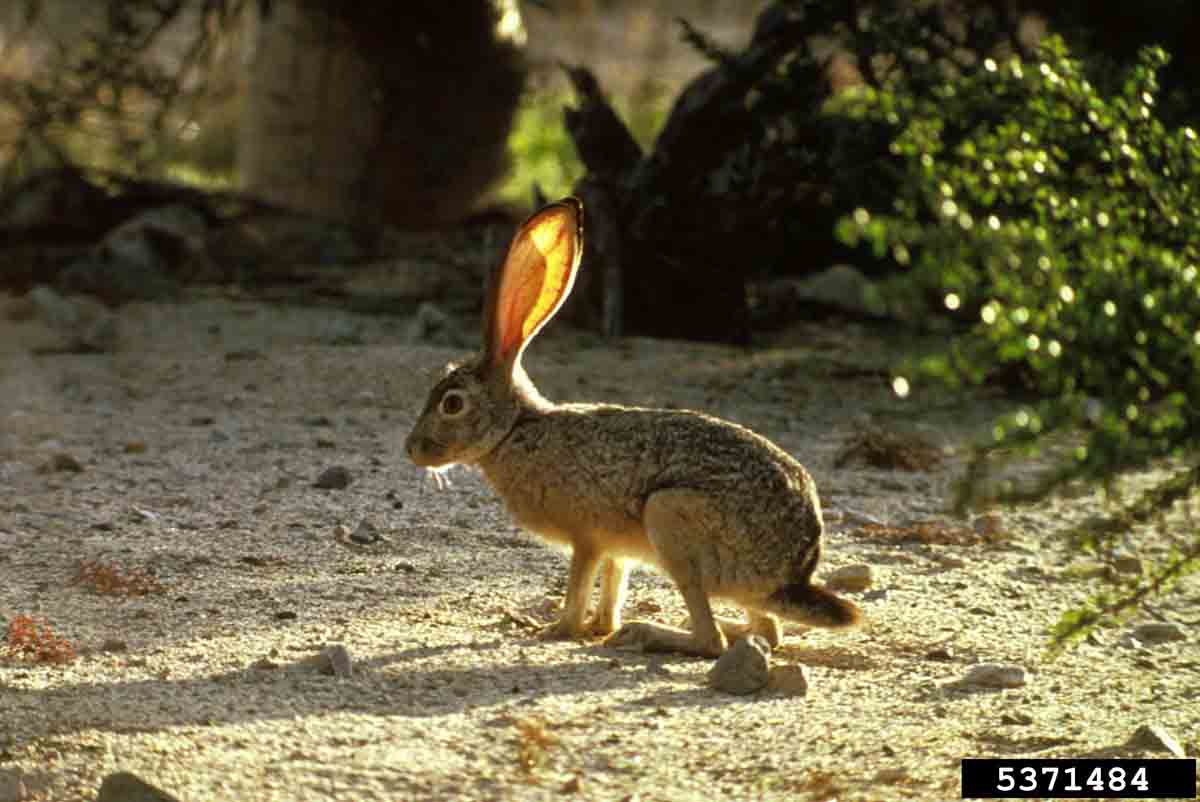
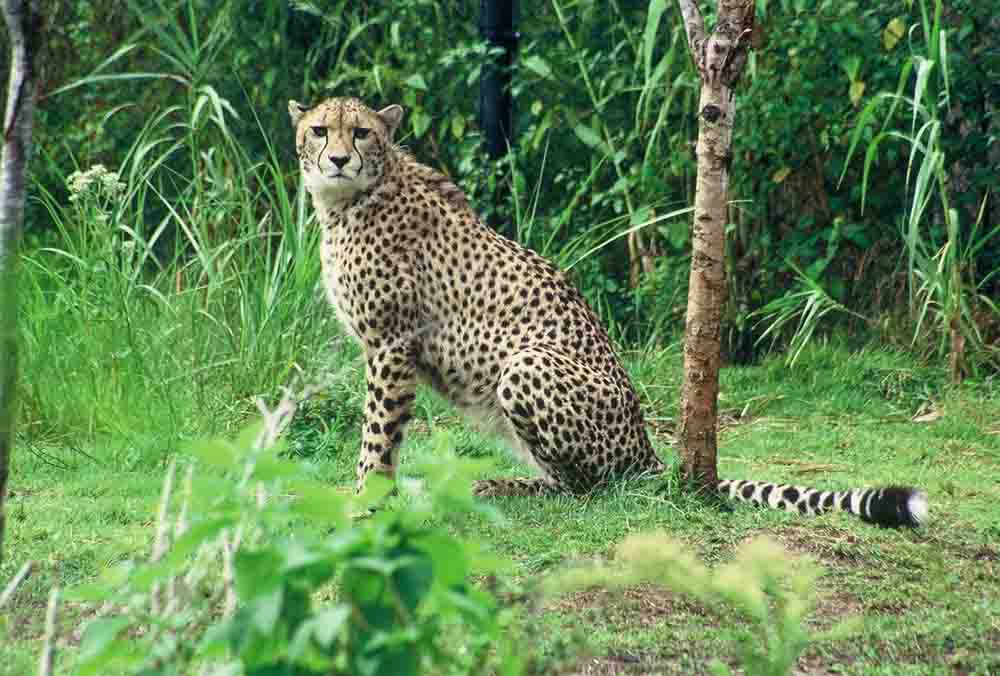
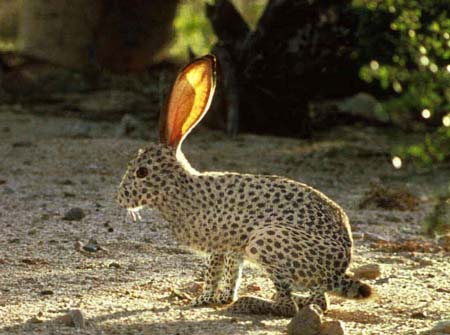
I created this image in Photoshop for a project in my first Image Manipulation class. The project was to combine images of two different animals to make a cross match animal.Original Images


Go To Top
Program(s) Used
- Adobe Photoshop
Project Details
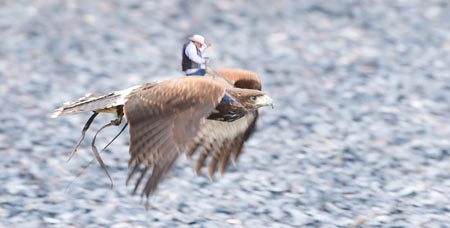
I created this image in Photoshop for a project in my first Image Manipulation class. The project was to create an impossible image of some sort.Original Images


Typography

Go To Top
Program(s) Used
- Adobe InDesign
Project Details
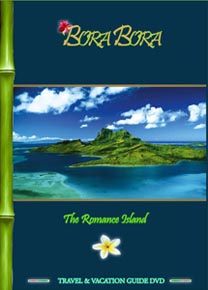
For this project used Adobe InDesign to layout and create a DVD case, including the front, back, and side panel, along with an eight page booklet and a cover for the DVD itself.








Go To Top
Program(s) Used
- Adobe Photoshop
- Adobe Illustrator
Project Details
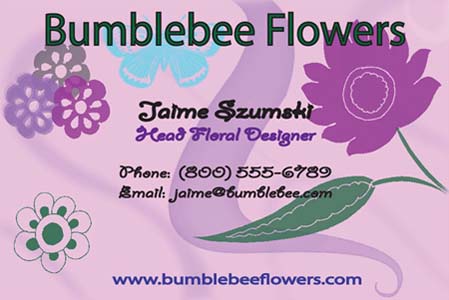
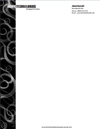
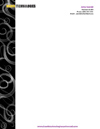
Here are some business cards I have designed, mostly in my Digital Typography class, but others on my own for myself. Training
Go To Top
Program(s) Used
- Camtasia Studio
Project Details
This video e-training is based off of the guidelines outlined in the formal Training Design Document (click link below to view) that I wrote the previous semester for E-Learning Design, which was the first class for this 2-part project. The second part of the project was to actually create the e-training using whichever media we felt could support our training needs. I created this e-training video for The Commentary Interface program using Camtasia Studio software because of the program's ability to record computer screen movements at the same time as the audio for voice, thus providing a full and comprehensive training experience.
View Training Design Document
Go To Top
Program(s) Used
- Adobe RoboHelp
Project Details
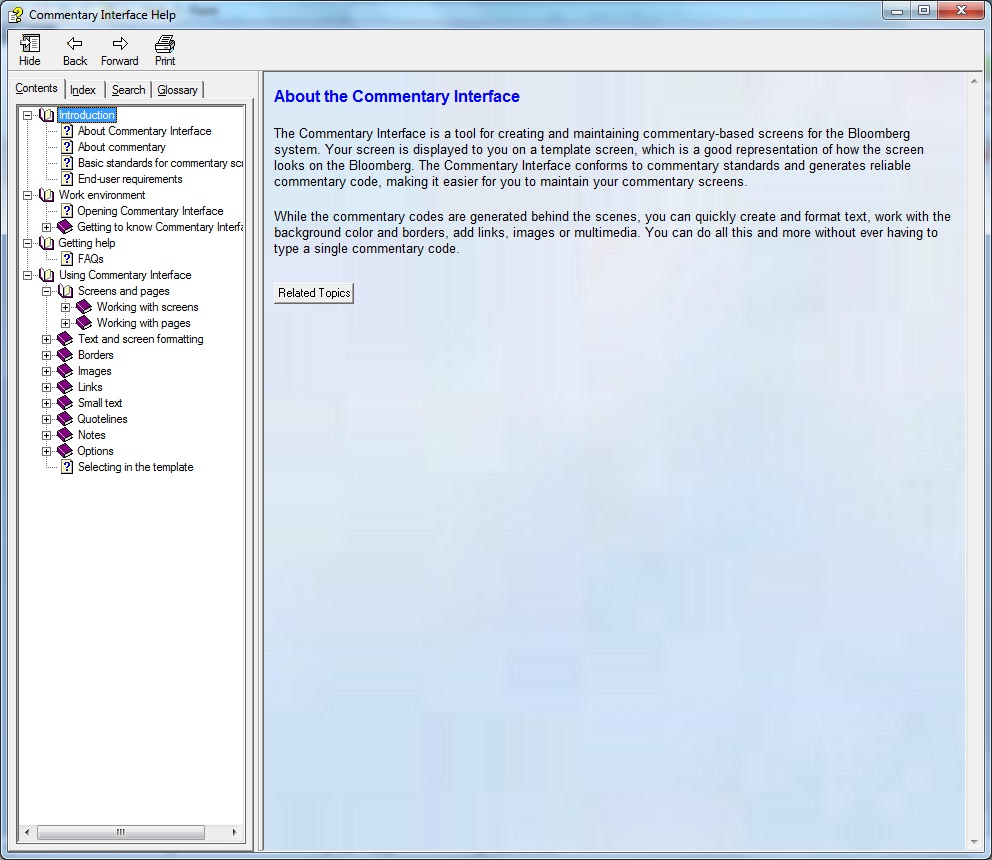
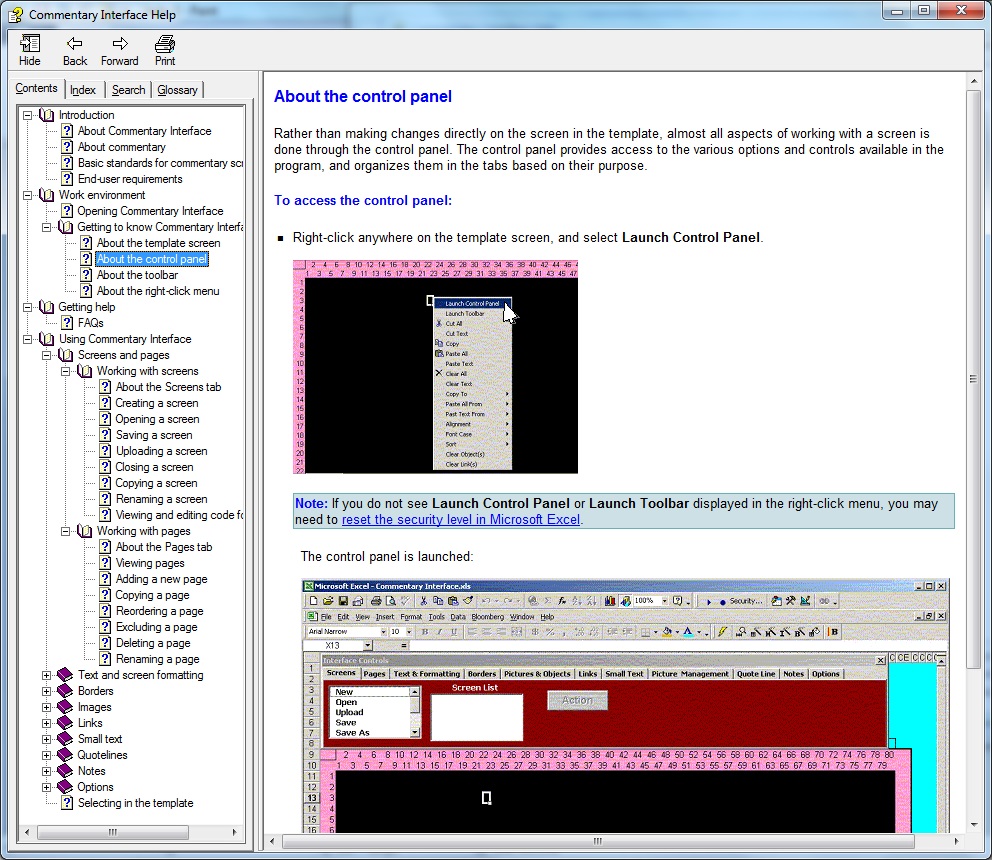
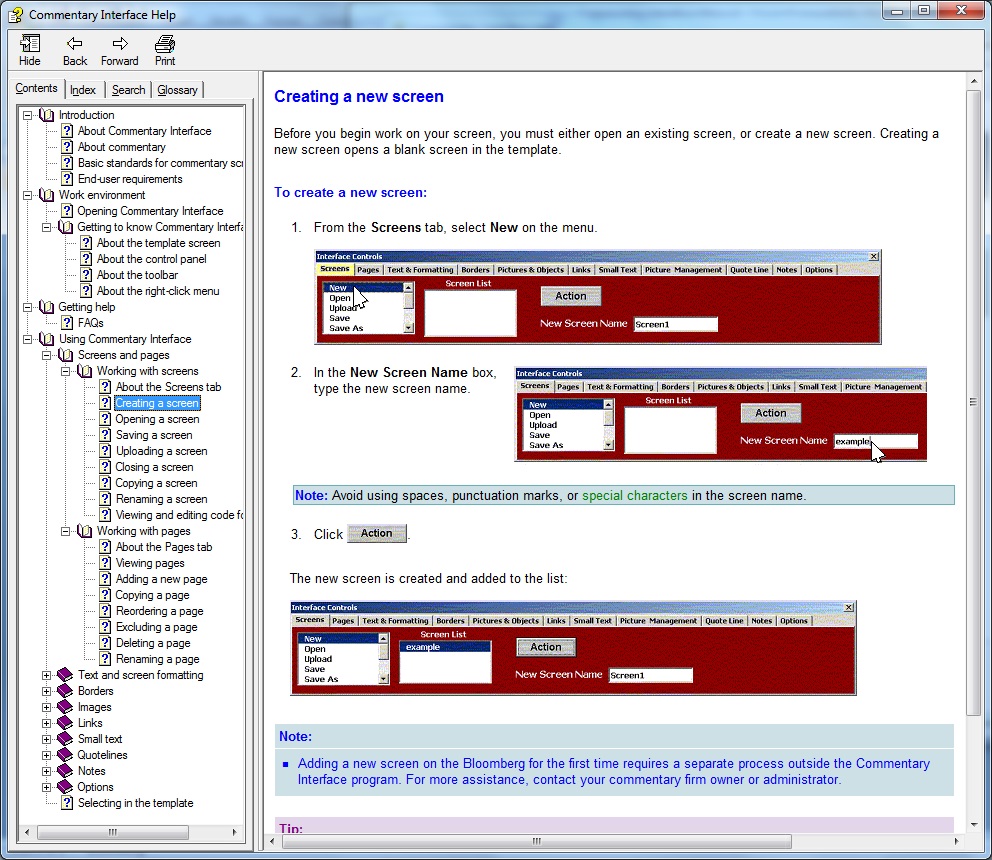
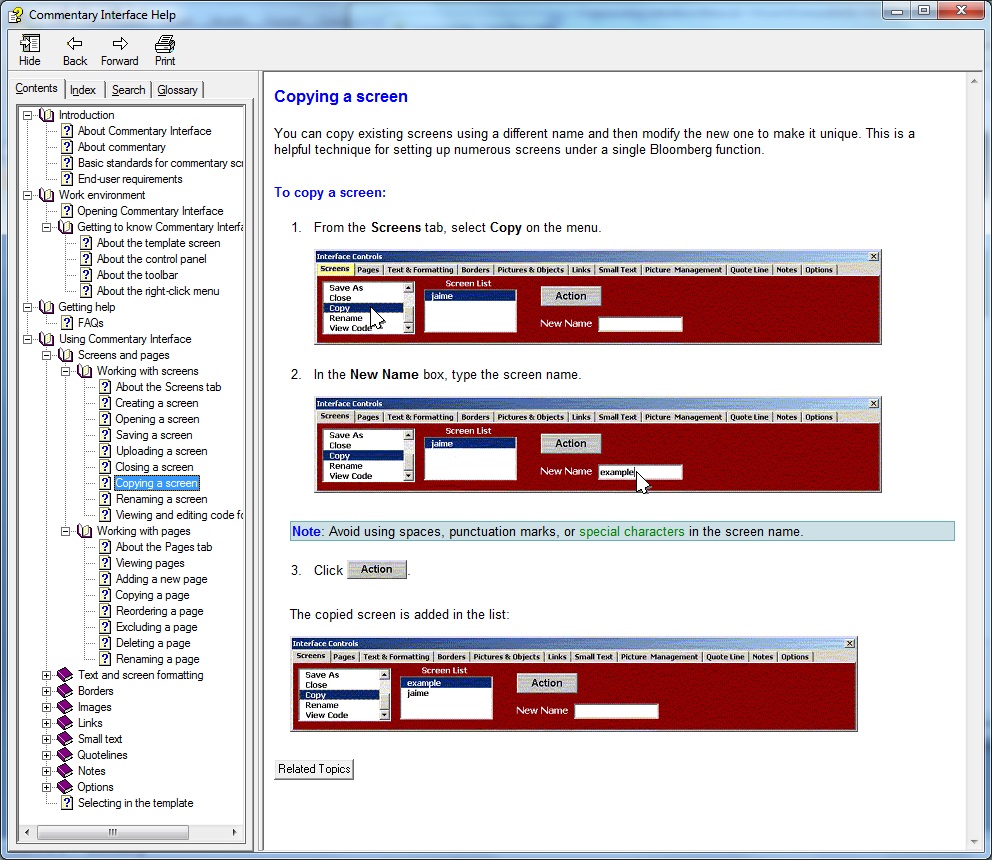
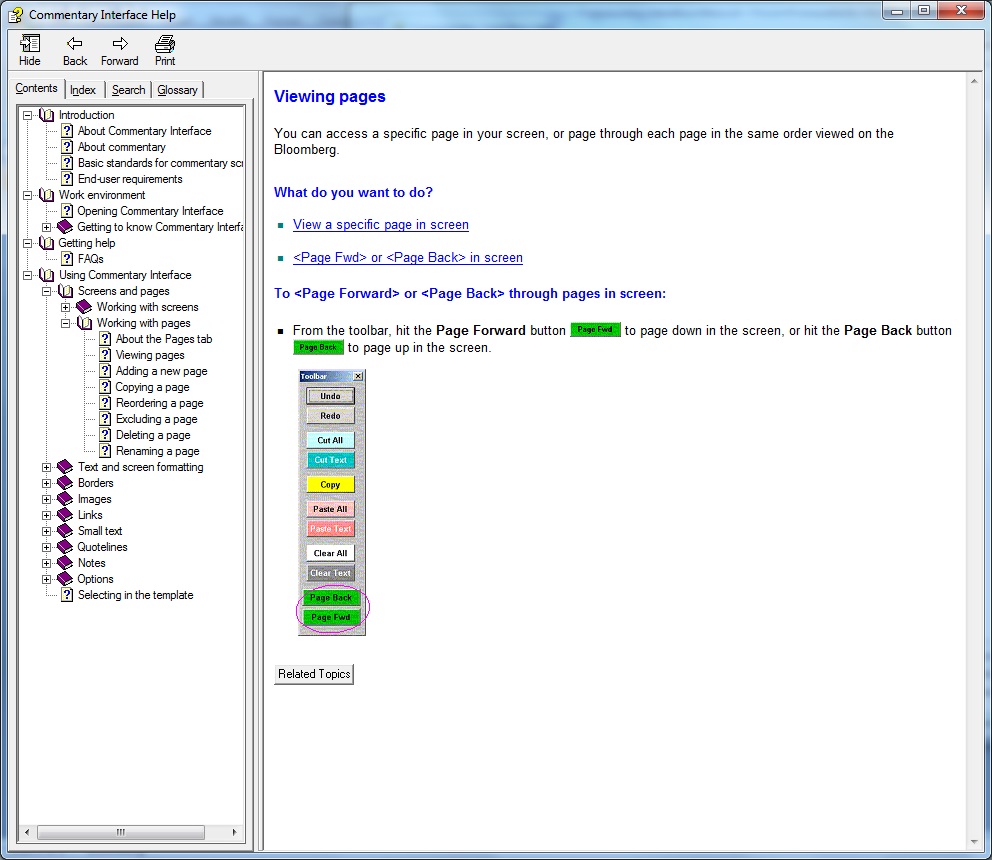
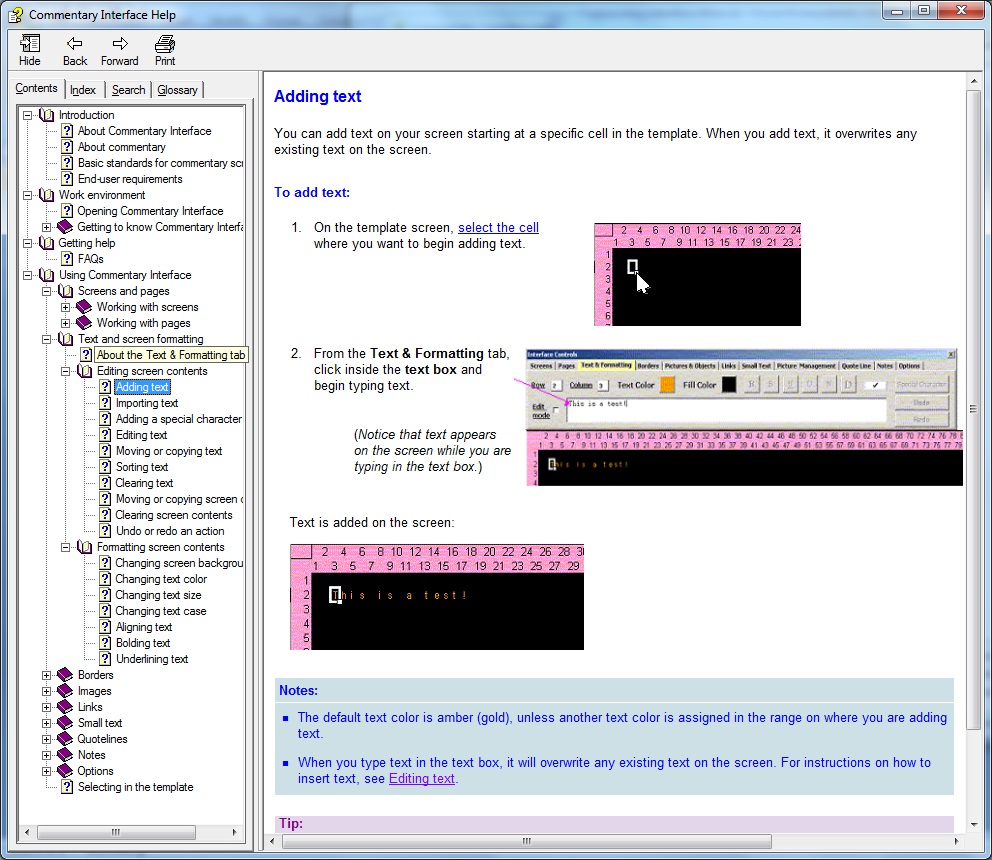
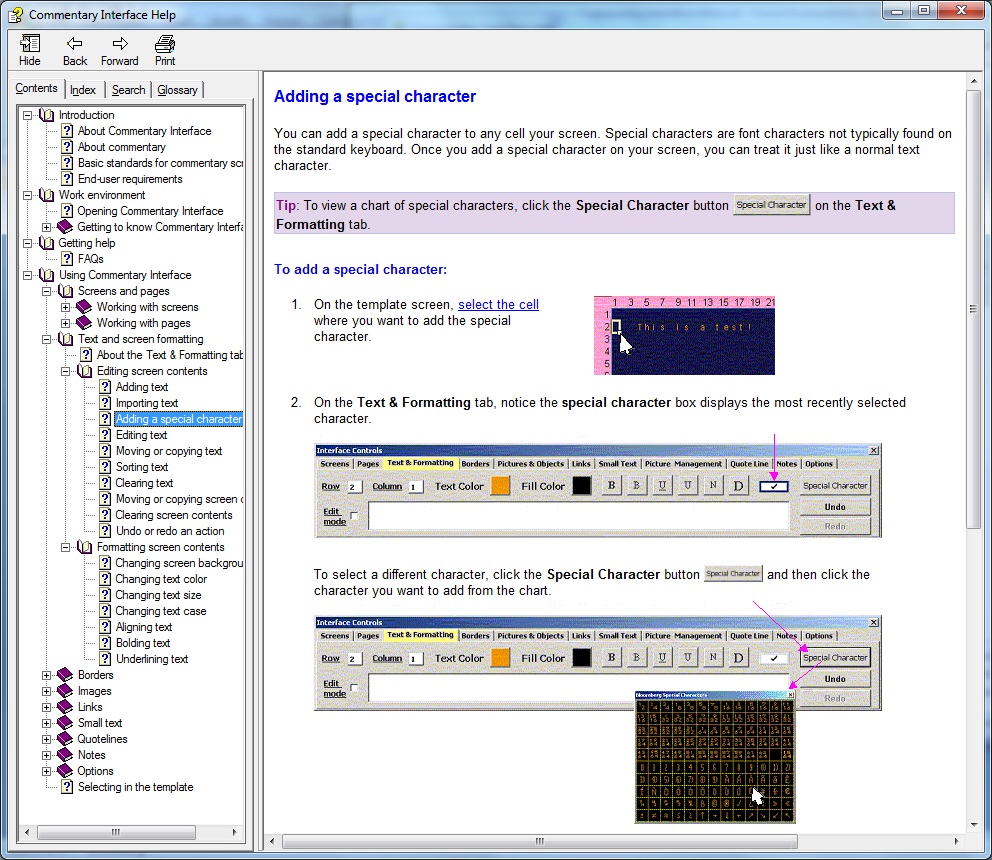
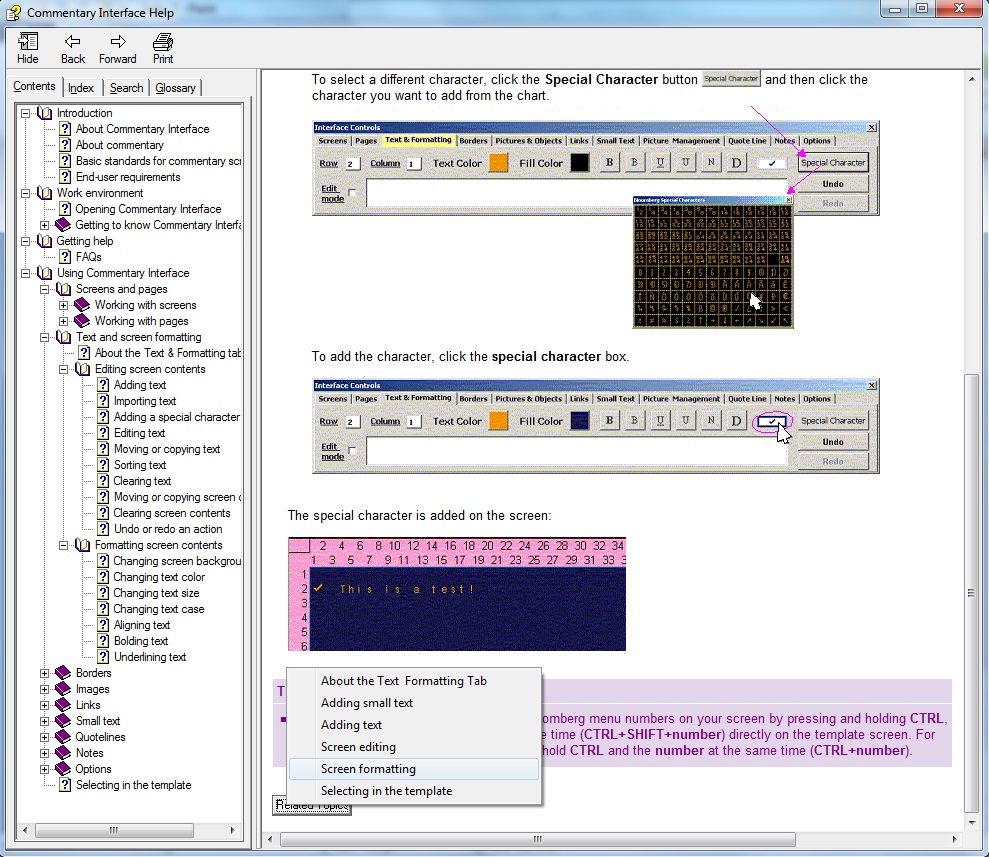
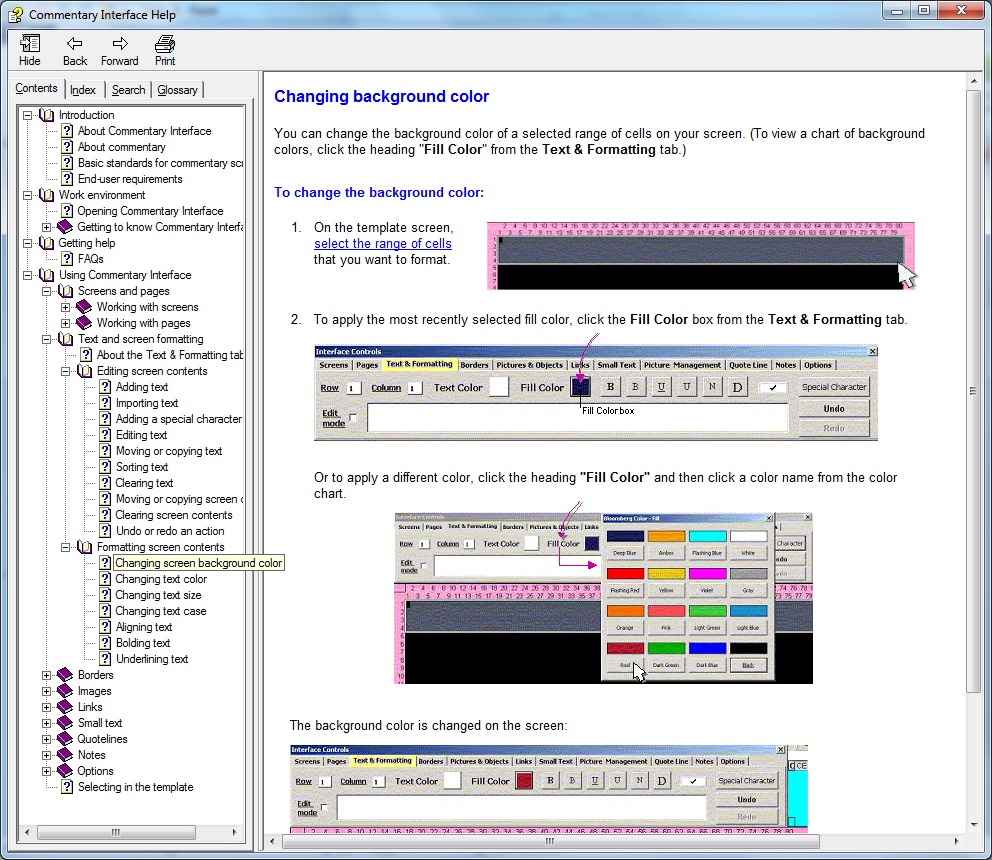
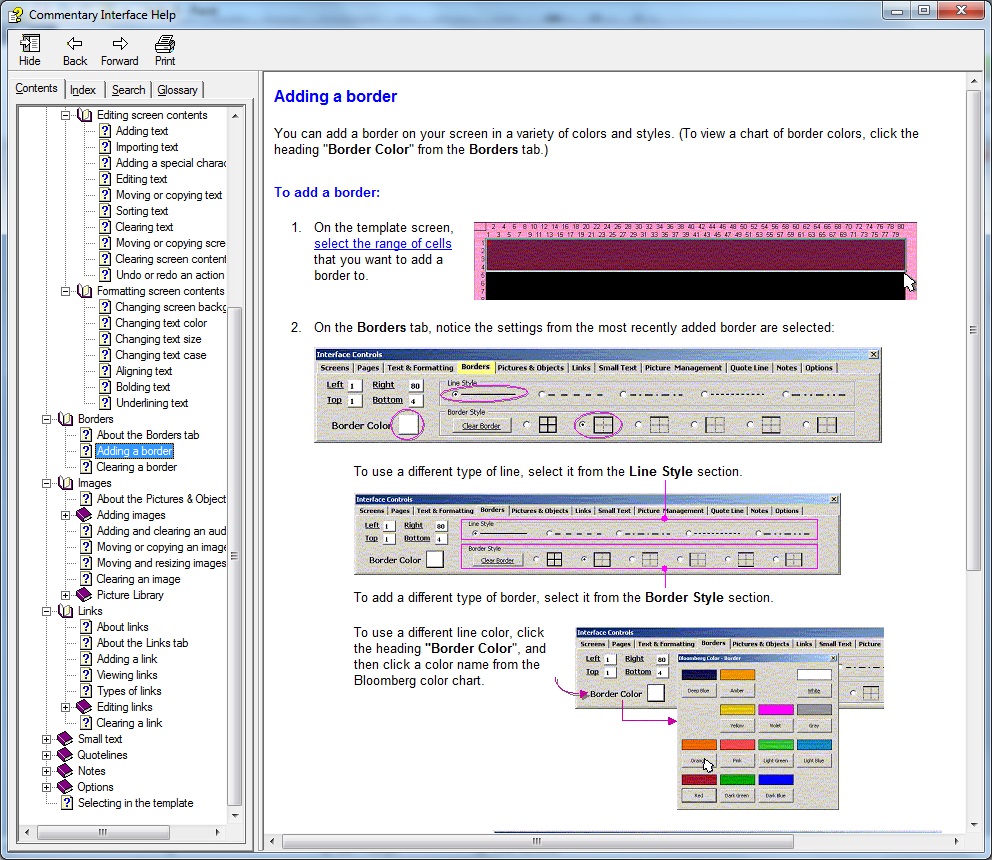
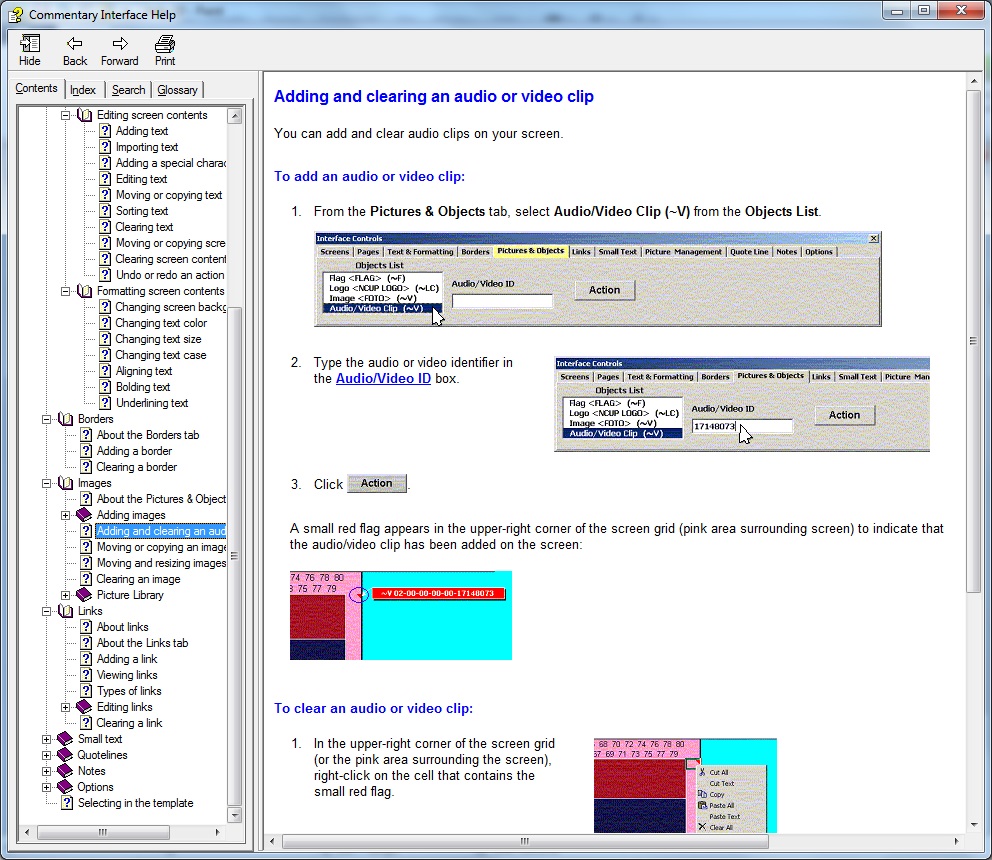
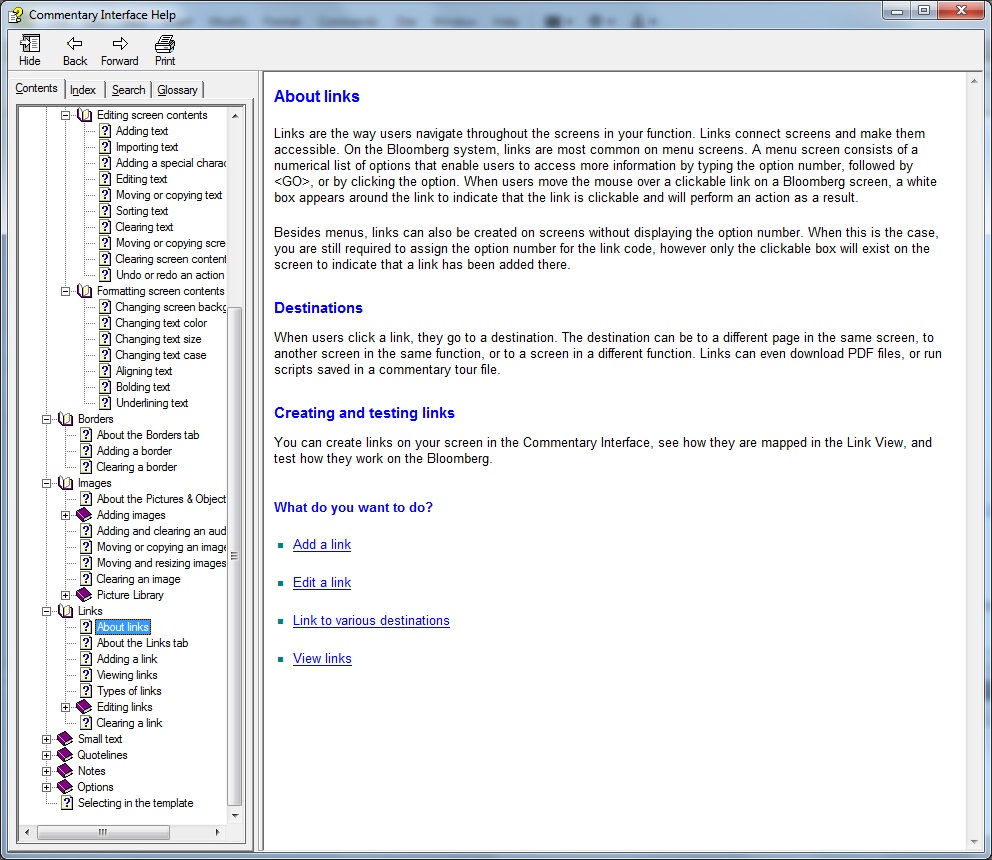
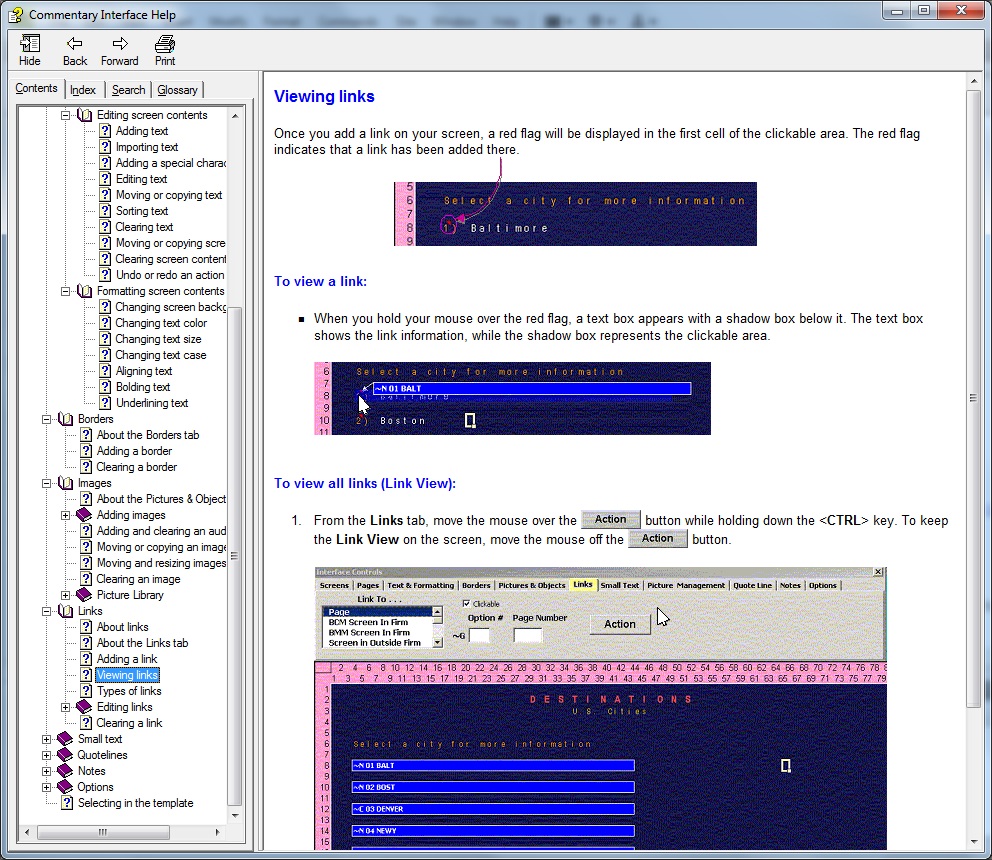
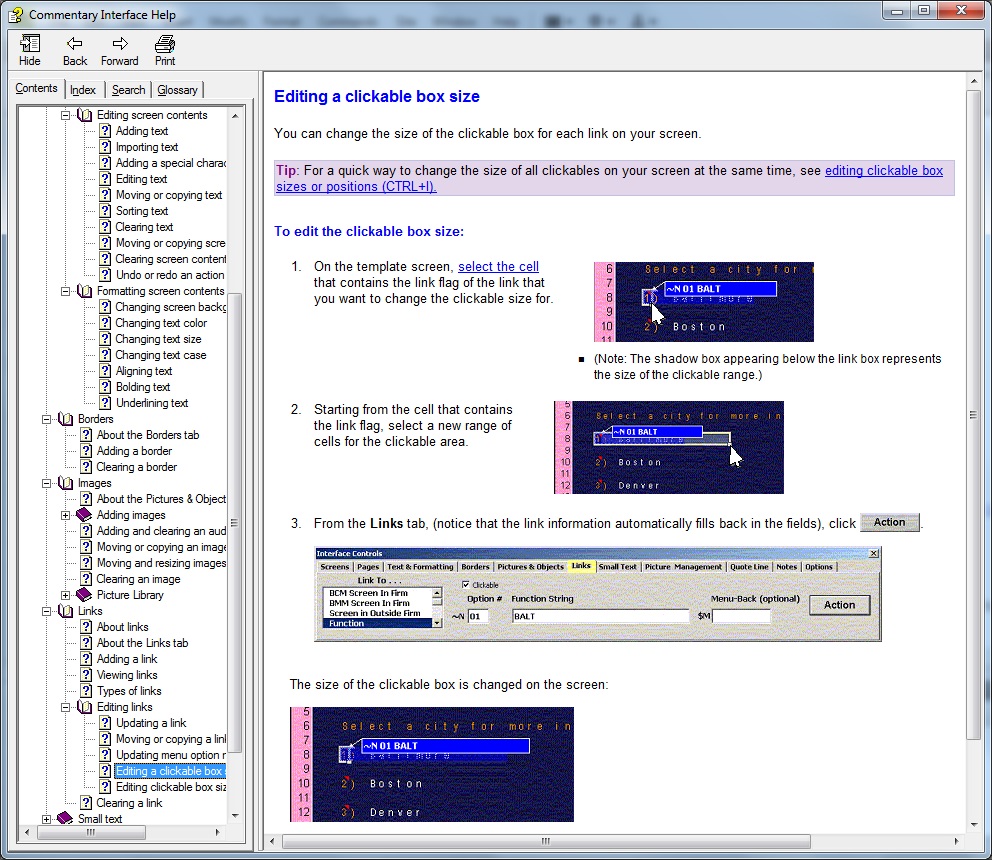
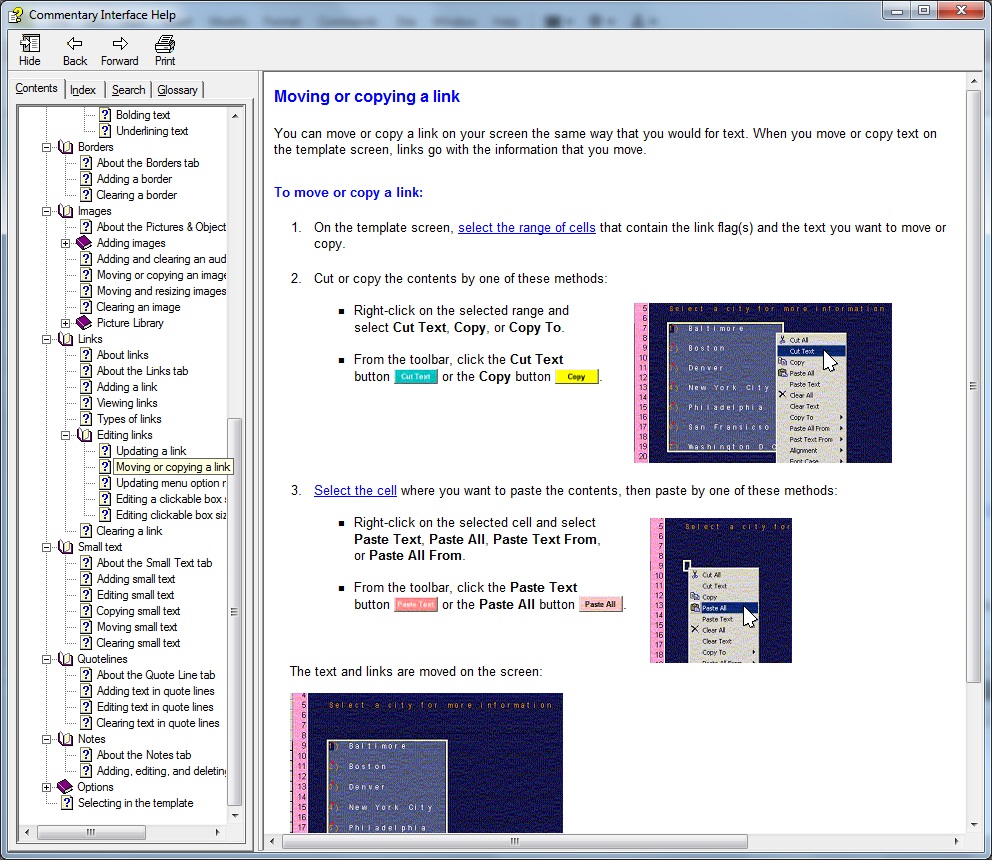
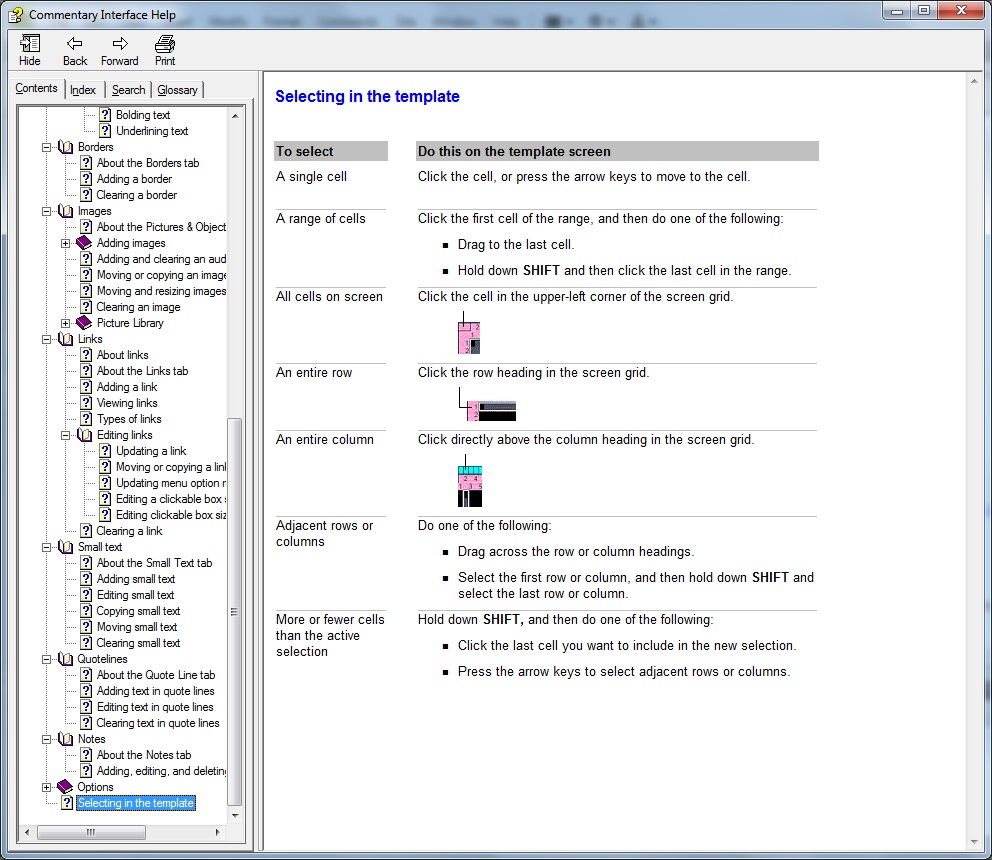
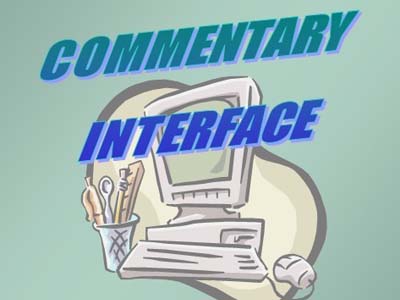
This comprehensive help system took me more than 9 months to author and build from scratch, starting from main topics and working my way down to the nitty-gritty details to provide users with extensive information, as well as step-by-step instructions on all aspects within a custom-built application, The Commentary Interface. The function of the program itself is that it lets users create and update screens for the Bloomberg system through an interface platform rather than having to write code. This help menu is available within the program to give users a convenient way to learn the program, as well as find specific information quickly.Please note that since compiled help files (.chm) cannot be opened through an internet browser, I have several images of screen shots from the help menu set up to view instead.
Go To Top
Program(s) Used
- Microsoft PowerPoint
Project Details
I designed this 40-page training manual for a class I taught while working at Bloomberg to learn a custom-built application, The Commentary Interface program. I created the manual in PowerPoint using the Notes Pages view to set up each page. Audio / Video
Go To Top
Project Details
This film It's All The Rave won 1st place in The Rave Motion Pictures National Competition and was a project I volunteered to assist in outside of college. The director asked me to help with the production by choreographing the "Jai Ho" dance at the end of the film, similar to the dance scene viewed during the credits at the end of the movie Slumdog Millionaire. I had already taught myself this dance by recording the movie and mimicking the moves, however when I was asked to teach it to 20+ people I decided to change it up a bit so it would be as simple as possible to learn. After watching various forms of the dance on YouTube (and with some added influence from The Thriller dance), I came up with my own version of the dance and held lessons for 2 nights at The Rave cinema to teach it to the actors of the film.
Working and getting to know all of the actors and members from this production crew was so much fun and a true honor, however the best part about this project was when The Rave cinema debuted the film for 2 nights after winning the national contest, and I had the incredible opportunity to see myself on the big screen! This film is definitely worth watching from beginning to end, but if you would like to watch the dance scene right away, it begins at timestamp 10:05 on the video, or right after the film credits are finished rolling at the very end of the film.
Go To Top
Program(s) Used
- Adobe Pro Tools
Project Details
This was such a fun project I worked on along with one other classmate for my Intro to Audio course. The project was to find a one-minute video clip for any movie trailer, remove the sound completely and then add back in our own audio for sound.
For this project my partner and I started off by inserting the first minute of a popular song from the movie over the full video in Pro Tools. We then recorded our voices for the movie characters in a sound booth and inserted the audio for each voice in the video where necessary. Finally, we threw in a few extra sounds for effect such as swords fighting, punching and crashing noises -- and voila! Everything you hear when you play this video was put there by me and my partner.
Radio Commercial - Dr.Barry's Boot Camp DVD
Introduction to Audio
-

- Radio Commercial - Dr.Barry's Boot Camp DVD
- Jaime Medvesky
- Intro to Audio
- Winter, 2010
 Back To Portfolio
Go To Top
Program(s) Used
- Adobe Pro Tools
Project Details
This is a 30-second radio commercial I created along with two other classmates for a group project to create a radio commercial for Dr. Barry's Boot Camp DVD.
Radio Commercial - Baby Translator Voice Box
Introduction to Audio
-
- Radio Commercial - Baby Translator Voice Box
- Jaime Medvesky
- Intro to Audio
- Winter, 2010
Back To Portfolio
Go To Top
Program(s) Used
- Adobe Pro Tools
Project Details
This is a 30-second radio commercial I created along with two other classmates for a group project to create a radio commercial to sell a baby voice translator product.
Radio Commercial - Hot Hits Mix CD
Introduction to Audio
-
- Radio Commercial - Hot Hits Mix CD
- Jaime Medvesky
- Intro to Audio
- Winter, 2010
Back To Portfolio
Go To Top
Program(s) Used
- Adobe Pro Tools
Project Details
This is a 60-second radio commercial I created using Pro Tools for a project in my Intro to Audio course. The project was to produce a radio commercial to sell a Hot Hits CD that features one song from the following six music genres: Rock; Country; 80's; Rap; Jazz; and Classical.First Audio Song
Introduction to Audio
-
- First Audio Song
- Jaime Medvesky
- Intro to Audio
- Winter, 2010
Back To Portfolio
Go To Top
Program(s) Used
- Adobe Pro Tools
Project Details
This is a quick 60-second song that I created in my Intro to Audio class using Pro Tools software. The project was to take individual sound files for each intrument and combine them where desired to create our own unique one minute song.